Yes, non-IT professionals can learn data analytics successfully with the right foundational approach, structured tools, and practical exposure. Modern data analytics platforms such as Power BI, Tableau, SQL, and business intelligence (BI) tools are designed to be accessible to learners from non-technical backgrounds while still supporting enterprise-scale analytics. The key requirement is not prior IT experience, but the ability to understand data, apply analytical reasoning, and work with structured business information.
As organizations increasingly rely on data-driven decision-making, the demand to learn data analytics has expanded beyond traditional IT roles into operations, finance, marketing, HR, and management functions.
What Does It Mean to Learn Data Analytics?
Learning data analytics means developing the ability to collect, clean, analyze, and interpret data to support business decisions. It involves understanding how raw data is transformed into meaningful insights using analytical tools, queries, and visualizations.
When professionals learn data analytics, they typically focus on:
- Understanding structured data (tables, rows, columns)
- Applying basic statistics and logic
- Using tools such as SQL, Power BI, and Tableau
- Translating business questions into data-driven answers
Importantly, learning data analytics does not require deep software engineering or programming expertise. Most enterprise analytics work emphasizes interpretation, reporting, and insight generation rather than code-heavy development.
Why Is Learning Data Analytics Important for Non-IT Professionals?

Data is no longer managed only by IT teams. Business users are expected to interpret dashboards, validate metrics, and justify decisions using data.
Non-IT professionals who learn data analytics benefit in several ways:
- Improved decision-making accuracy
- Better collaboration with technical teams
- Increased efficiency in reporting and analysis
- Stronger career adaptability across industries
In many organizations, analysts are domain specialists first and technologists second. This makes learning data analytics especially relevant for professionals transitioning from non-IT roles.
What Skills Are Required to Learn Data Analytics Successfully?
To learn data analytics, non-IT professionals need a mix of analytical, technical, and business-oriented skills. These skills are typically developed progressively rather than all at once.
Foundational Skills
- Logical thinking and problem-solving
- Basic mathematics (percentages, averages, trends)
- Understanding of business processes
Technical Skills
- SQL for querying structured databases
- Power BI or Tableau for visualization
- Spreadsheet-based data handling
- Data cleaning and transformation concepts
Analytical Skills
- Identifying meaningful metrics
- Recognizing data patterns and anomalies
- Interpreting trends within business context
These skills are commonly covered in structured learning paths such as a Google data analytics certification or an online data analytics certificate, which are designed for beginners.
How Does SQL Work in Real-World Data Analytics Projects?
SQL (Structured Query Language) is a foundational skill for anyone aiming to learn data analytics. It is used to retrieve, filter, and aggregate data from relational databases.
Typical Enterprise SQL Use Cases
- Extracting sales or transaction data
- Filtering datasets by time, region, or category
- Joining multiple tables for reporting
- Validating data quality and consistency
In practice, non-IT analysts use SQL to answer business questions rather than build databases. Queries are often read-only and focused on analysis, not system administration.
How Is Power BI Used in Enterprise Environments?
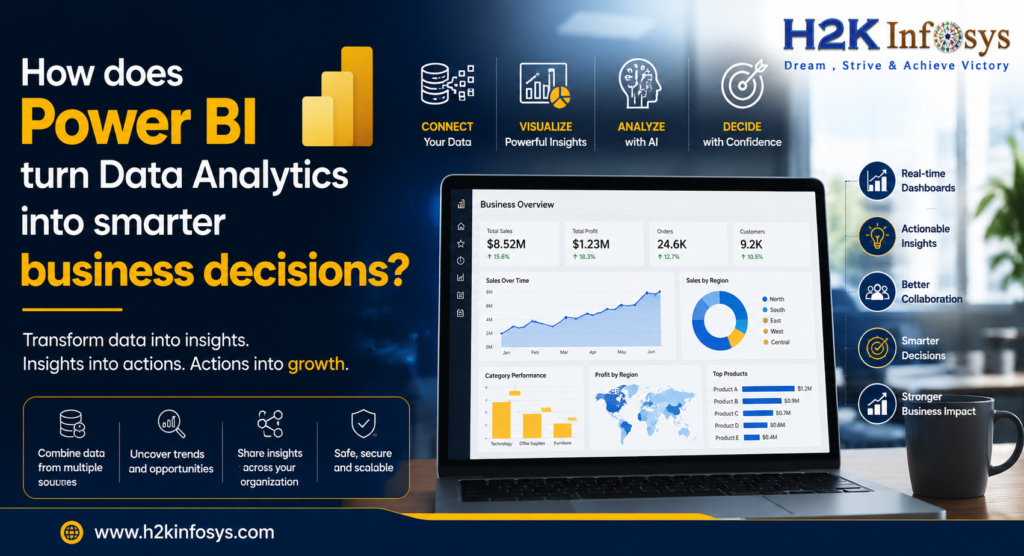
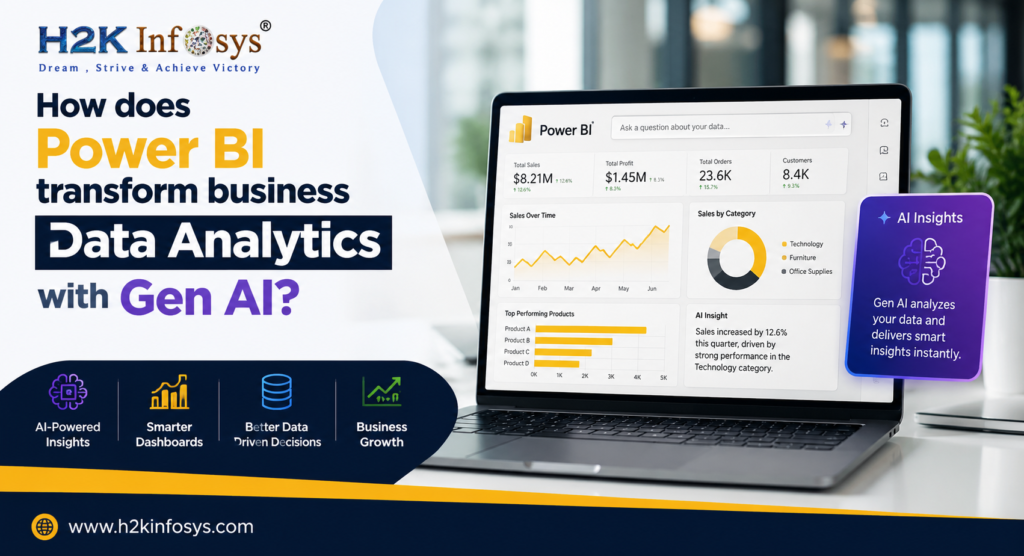
Power BI is widely used for creating interactive dashboards and reports. It allows professionals to visualize data without writing complex code.
Common Power BI Workflows
- Connect to data sources (databases, files, cloud platforms)
- Clean and transform data using Power Query
- Define calculated measures using DAX
- Build dashboards for stakeholders
- Publish and share reports securely
For those learning data analytics, Power BI provides immediate feedback through visuals, making it easier to understand data relationships.
How Does Tableau Support Business Intelligence Use Cases?
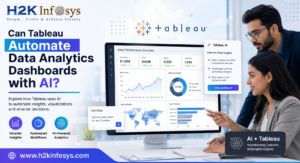
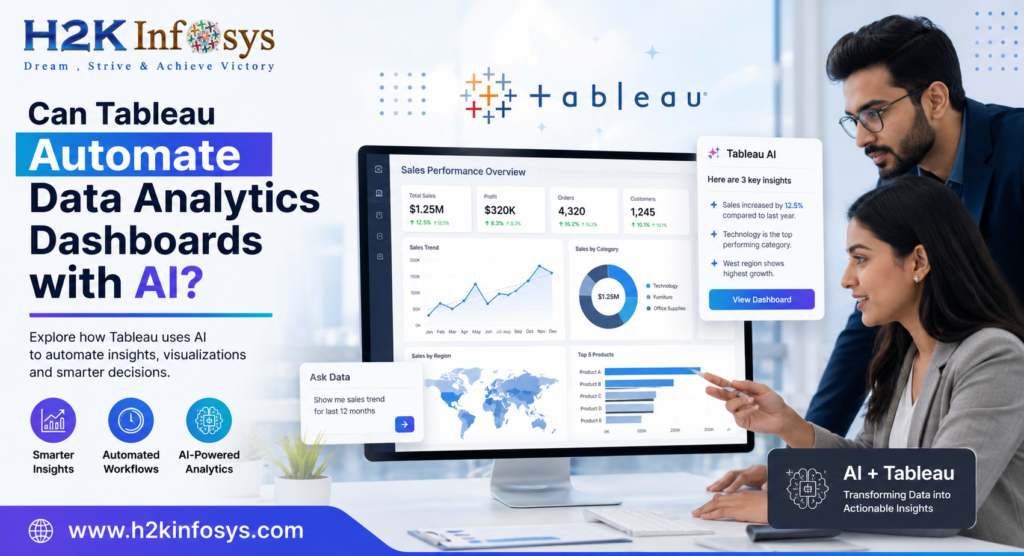
Tableau focuses on visual analytics and exploratory data analysis. It is commonly used by analysts who need to communicate insights visually.
Typical Tableau Applications
- Trend analysis and forecasting
- Executive-level dashboards
- Ad-hoc data exploration
- Storytelling with data visuals
Tableau’s drag-and-drop interface reduces technical barriers, which is why many non-IT professionals learn data analytics using Tableau as their first visualization tool.
What Is Business Intelligence (BI) and How Is It Used?
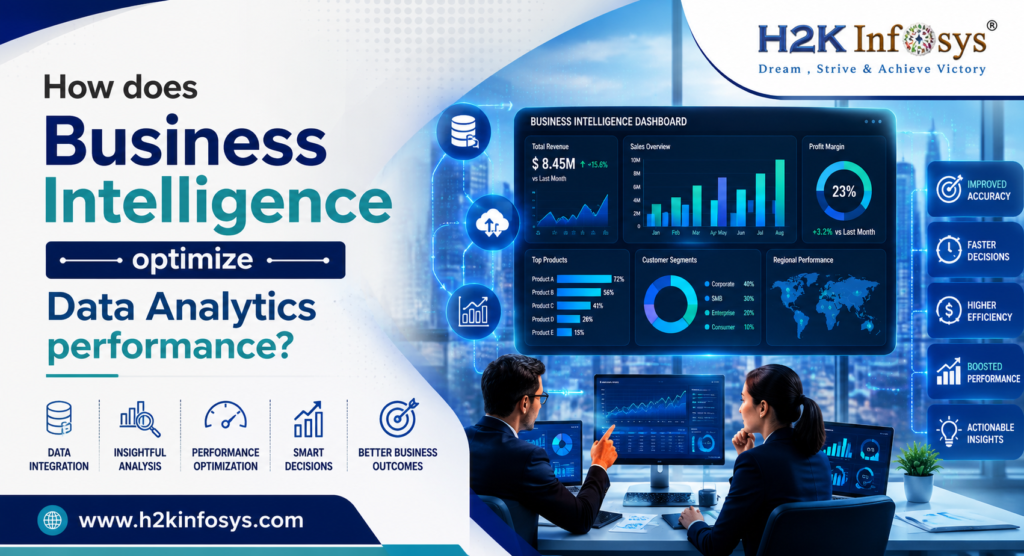
Business Intelligence refers to processes and tools used to convert raw data into actionable insights. BI systems support strategic, tactical, and operational decisions.
Core BI Components
- Data warehouses
- ETL (Extract, Transform, Load) pipelines
- Reporting and dashboarding tools
- Governance and access controls
When professionals learn data analytics, BI provides the structural framework within which analytics operates at scale.
How Is Data Analytics Used in Real Enterprise Workflows?
Learning data analytics involves understanding how analytics fits into day-to-day enterprise operations.
Example Workflow
- Business defines a performance question
- Analyst retrieves data using SQL
- Data is cleaned and modeled
- Insights are visualized in Power BI or Tableau
- Stakeholders review dashboards for decisions
This workflow is consistent across industries, making data analytics skills transferable.
What Challenges Do Non-IT Professionals Face When Learning Data Analytics?
While learning data analytics is achievable, non-IT professionals often encounter common challenges.
Typical Challenges
- Understanding database concepts
- Interpreting technical terminology
- Managing inconsistent data quality
- Applying analytics to real business problems
Structured learning programs and hands-on practice help mitigate these challenges by focusing on applied skills rather than theory alone.
How Long Does It Take to Learn Data Analytics?
The timeline to learn data analytics depends on learning goals and consistency.
| Learning Stage | Typical Duration |
|---|---|
| Fundamentals | 4–6 weeks |
| Tool Proficiency | 2–3 months |
| Project Readiness | 4–6 months |
Many learners pursue an online data analytics certificate to follow a guided progression.
What Job Roles Use Data Analytics Daily?
Professionals who learn data analytics can work across various roles.
Common Roles
- Data Analyst
- Business Analyst
- Reporting Analyst
- Operations Analyst
- Marketing Analyst
- Financial Analyst
These roles emphasize data interpretation and communication rather than software development.
What Careers Are Possible After Learning Data Analytics?
Learning data analytics opens career pathways in both technical and non-technical domains.
| Career Path | Primary Focus |
|---|---|
| Business Analytics | Decision support |
| Data Visualization | Reporting & dashboards |
| Operations Analytics | Process optimization |
| Marketing Analytics | Customer insights |
| Financial Analytics | Performance tracking |
Career progression often depends on domain expertise combined with analytics proficiency.
How Do Certifications Support Learning Data Analytics?
Certifications such as the Google data analytics certification validate foundational skills and structured learning. They emphasize:
- Real-world datasets
- Practical assignments
- Tool-based analytics workflows
While certifications alone do not guarantee jobs, they help learners demonstrate commitment and baseline competency.
What Tools Should Beginners Focus on First?
To learn data analytics efficiently, beginners should prioritize tools with strong enterprise adoption.
Recommended Tool Order
- SQL (data access)
- Power BI or Tableau (visualization)
- Spreadsheet analytics
- Basic statistics and data modeling
This sequence aligns with how analytics work is performed in real organizations.
Frequently Asked Questions (FAQ)
Can non-IT professionals really learn data analytics?
Yes. Most analytics roles focus on business interpretation, not programming, making them accessible to non-IT backgrounds.
Is coding mandatory to learn data analytics?
Basic SQL is necessary, but advanced programming is not required for most analytics roles.
Are online data analytics certificates useful?
They are useful for structured learning and skill validation, especially for beginners.
How important is domain knowledge?
Domain knowledge significantly improves analytics effectiveness by providing context to data insights.
Can data analytics be learned while working full-time?
Yes. Many professionals learn data analytics part-time through structured programs.
Best Practices for Non-IT Professionals Learning Data Analytics
- Focus on understanding data, not memorizing tools
- Practice with real datasets
- Learn one visualization tool deeply
- Apply analytics to familiar business problems
- Build simple projects to reinforce learning
These practices align learning with real-world analytics expectations.
Key Takeaways
- Non-IT professionals can successfully learn data analytics with structured learning
- SQL, Power BI, Tableau, and BI tools form the core analytics stack
- Analytics focuses more on insight generation than coding
- Certifications and hands-on projects support skill development
- Data analytics skills are transferable across industries
To gain practical exposure and structured guidance while you learn data analytics, explore hands-on training programs offered by H2K Infosys.
These Google data analytics course is designed to align analytics skills with real enterprise workflows and career growth paths.