Effective version control is essential in the fast-paced world of software testing to ensure collaboration, consistency, and the accuracy of automated test scripts. One of the most powerful ways to achieve this is by integrating TOSCA with GitHub for version control. As businesses increasingly adopt test automation to improve software quality, version control solutions like GitHub enable teams to manage and track changes to test scripts efficiently. In this blog, we will explore how to integrate TOSCA with GitHub for version control, specifically focusing on TOSCA Automation Certification and how this integration enhances your test automation workflow.
Introduction to TOSCA and GitHub Integration
When embarking on test automation, TOSCA (Tricentis Automated Software Testing) is an essential tool that provides a comprehensive platform for test case design, execution, and reporting. GitHub, on the other hand, is one of the most popular version control platforms used to manage and track changes to code, enabling collaboration and versioning of files.
Integrate TOSCA with GitHub allows automation testers to manage their test scripts as code, making collaboration between team members seamless. In this article, we will discuss how you can integrate TOSCA with GitHub to streamline version control in your test automation process.
By the end of this guide, you’ll not only understand the significance of version control in automation testing but also be equipped with practical knowledge on how to implement it in your testing projects using TOSCA.
What is TOSCA Automation?
TOSCA is an automated testing tool that supports both functional and non-functional testing, providing a complete solution for test automation. Unlike traditional tools, TOSCA focuses on model-based testing, meaning that it generates reusable test modules based on a model of the application being tested. This approach allows teams to develop and maintain automated tests more efficiently, making it a preferred tool for organizations looking to scale their automation efforts.
The TOSCA platform also includes features such as test execution scheduling, analytics, and reporting. Integrating version control into this environment ensures that all changes to test scripts are well-tracked, providing transparency and minimizing errors that could arise from working with outdated or inconsistent test cases.
With TOSCA, you can seamlessly integrate TOSCA with GitHub, allowing your test scripts to be versioned and tracked as part of your development lifecycle. This makes your automated testing process more efficient and manageable.
Why Integrate TOSCA with GitHub?
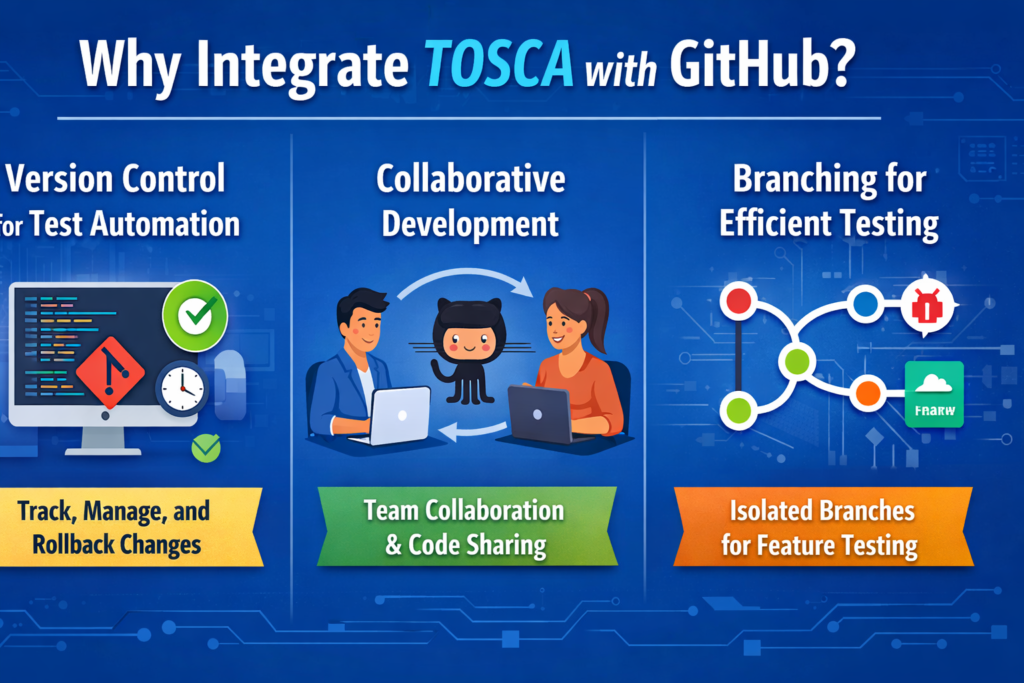
1. Version Control for Test Automation
Version control systems like GitHub provide a structured way to store, track, and manage changes to files over time. Without version control, managing test scripts for large projects can become unwieldy, leading to issues like code conflicts, loss of progress, or difficulties in collaboration.
When you Integrate TOSCA with GitHub, every change to your test scripts is automatically committed to a Git repository. This ensures that all versions of your test cases are stored, allowing your team to track changes, compare versions, and even roll back to previous versions if needed. GitHub’s powerful version control system is an essential tool for any automated testing project.
2. Collaborative Development
GitHub promotes collaborative development, enabling multiple testers or developers to work on the same project simultaneously. Test scripts are stored in a centralized repository, and testers can make changes, review each other’s work, and merge changes into a unified codebase.
With Integrate TOSCA with GitHub, team members can easily collaborate on the creation and modification of automated test scripts, ensuring that the entire team is aligned on testing efforts and that there are no discrepancies in the test environment. It allows teams to maintain a single, unified source of truth for test automation scripts.
3. Branching for Efficient Testing
GitHub’s branching system allows for the creation of isolated test environments. By using branches, teams can develop and test new features or modifications to test scripts without disrupting the main testing workflow. Once changes are verified, they can be merged back into the primary branch.
By Integrate TOSCA with GitHub, teams can create branches for different testing scenarios, such as testing new features, bug fixes, or updates to existing scripts. This allows for a streamlined testing process and reduces the risk of introducing errors into the main testing pipeline. The GitHub branching system becomes an essential tool for managing the testing process effectively.
How to Integrate TOSCA with GitHub?
Now that we understand the benefits of Integrate TOSCA with GitHub, let’s walk through the steps involved in setting up the integration. The following steps are designed to provide a seamless experience for teams looking to integrate TOSCA with GitHub for version control in test automation.
Step 1: Set Up GitHub Repository
The first step in the integration process is to create a GitHub repository to store your TOSCA test scripts. If you don’t already have a GitHub account, sign up and create one. Once you’re logged in, create a new repository to hold your test scripts.
To create a repository on GitHub:
- Go to the GitHub homepage and log in.
- Click on the “+” icon in the top-right corner and select “New repository.”
- Name your repository (e.g., “TOSCA-Test-Automation”).
- Choose whether the repository should be public or private.
- Click “Create repository.”
Step 2: Set Up TOSCA for GitHub Integration
After setting up the GitHub repository, the next step is to configure TOSCA to integrate with GitHub. TOSCA provides native support for Git integration, allowing you to directly link your test automation projects to Git repositories.
To set up Integrate TOSCA with GitHub:
- Open TOSCA Commander.
- Go to the “Version Control” section in the TOSCA settings.
- Select “Git” as the version control system.
- Provide your GitHub repository URL and authentication credentials.
- Connect TOSCA to your GitHub repository.
Step 3: Clone Your GitHub Repository into TOSCA
Once TOSCA is connected to GitHub, the next step is to clone your GitHub repository into TOSCA. This allows you to pull down your test scripts and push changes back to GitHub.
To clone your repository into TOSCA:
- In TOSCA, go to the “Repository” tab.
- Click “Clone Repository” and provide the URL of your GitHub repository.
- Select the folder where you want to store your TOSCA project files.
- Click “Clone” to download the test scripts into TOSCA.
Step 4: Commit Changes to GitHub
After making changes to your test scripts in TOSCA, you can commit those changes to GitHub. This step ensures that all updates are tracked and stored in the GitHub repository.
To commit changes to GitHub:
- In TOSCA, navigate to the “Version Control” section.
- Select the files you want to commit and write a commit message describing the changes.
- Click “Commit” to save the changes locally in TOSCA.
- Push the committed changes to your GitHub repository by selecting “Push.”
Step 5: Merge Branches and Resolve Conflicts
If you are working with multiple branches, you may encounter merge conflicts when integrating changes from different branches. GitHub provides an easy-to-use interface for resolving conflicts and merging changes back into the main branch.
To merge branches in GitHub:
- Create a pull request to merge changes from one branch into another.
- Review the changes and resolve any conflicts.
- Once the merge is complete, the changes will be reflected in the main branch.
Step 6: Pull Latest Changes
To stay up to date with the latest changes in the repository, you can periodically pull the latest updates from GitHub into TOSCA. This ensures that your test scripts remain synchronized with the repository and that you’re always working with the latest version.
To pull the latest changes:
- In TOSCA, go to the “Version Control” section.
- Select “Pull” to retrieve the latest changes from the GitHub repository.
- Review any new commits or updates before integrating them into your local test scripts.
Best Practices for Using GitHub with TOSCA
To maximize the benefits of Integrate TOSCA with GitHub, consider the following best practices:
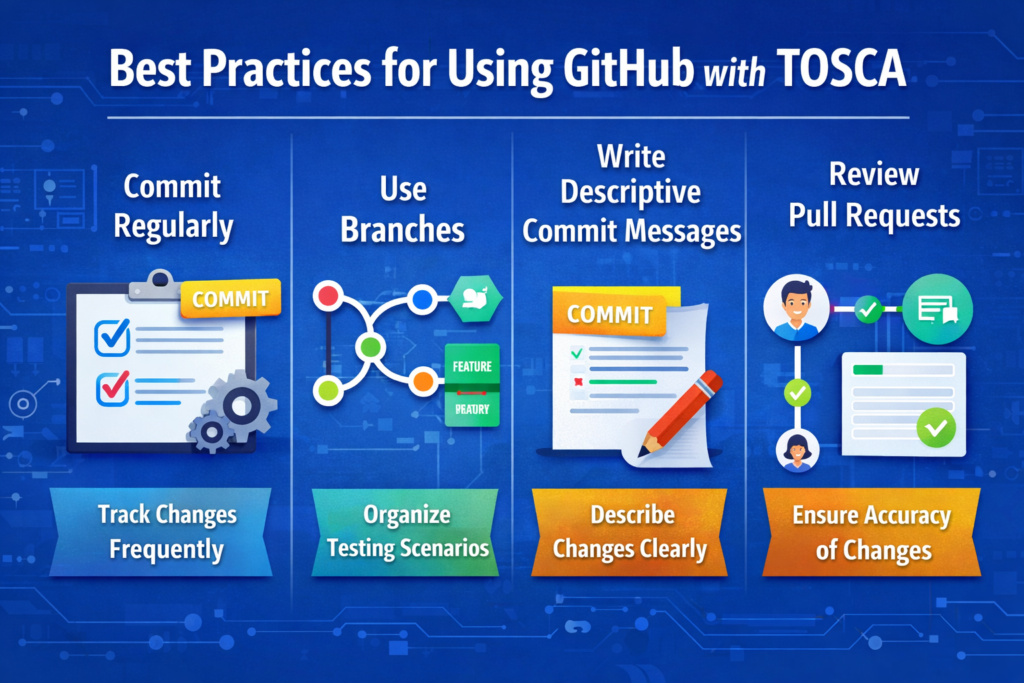
- Commit Regularly: Make small, frequent commits to track changes and reduce the risk of losing progress.
- Use Branches: Create branches for different testing scenarios to keep development organized and prevent errors in the main workflow.
- Write Descriptive Commit Messages: Use clear and concise commit messages to describe changes, making it easier for team members to understand the modifications.
- Review Pull Requests: Always review pull requests before merging to ensure that changes are accurate and aligned with the project’s goals.
Conclusion
Integrate TOSCA with GitHub is a powerful way to streamline version control in test automation. By following the steps outlined in this guide, you can create a seamless workflow for managing and collaborating on automated test scripts. Whether you’re working on a small project or managing a large-scale testing environment, the integration between TOSCA and GitHub ensures that your test scripts are always up to date and well-organized. Additionally, enrolling in TOSCA Training will provide you with the necessary skills to fully leverage this integration in your test automation process.
With the rise of automation and continuous integration, incorporating version control into your test automation process is essential. TOSCA Automation Certification and hands-on experience with version control can open doors to more efficient workflows and career advancement.
Take Action: Start Integrate TOSCA with GitHub today and see the positive impact on your test automation process.
Key Takeaways:
- Integrate TOSCA with GitHub streamlines version control for test scripts.
- GitHub enables better collaboration, branching, and tracking changes.
- Regular commits, descriptive messages, and branching are essential best practices for success.
FAQs: Integrate TOSCA with GitHub
Can TOSCA integrate with GitHub?
Yes. TOSCA can integrate with GitHub to manage test automation assets, track changes, and enable collaborative version control for test cases and automation projects.
How do I connect TOSCA to GitHub?
You can connect TOSCA to GitHub by configuring a Git repository, cloning the repository locally, linking your TOSCA workspace, and using Git commands to commit, push, and pull changes.
What are the benefits of TOSCA GitHub Integration?
Key benefits include version tracking, team collaboration, conflict resolution, rollback capabilities, branch management, and secure backup of automation projects.
Is GitHub required for TOSCA automation?
No. GitHub is not mandatory, but it is highly recommended for teams that need collaborative development, version control, and CI/CD integration.
What skills are needed to use TOSCA with GitHub?
A basic understanding of Git commands, GitHub repositories, branching strategies, merge requests, and TOSCA workspace management is sufficient to get started.