What Is SQL vs Excel in Data Analytics?
SQL vs Excel refers to evaluating how SQL databases and Microsoft Excel are used for data analytics tasks, including data retrieval, transformation, analysis, and reporting.
What is SQL?
SQL (Structured Query Language) is a standardized language used to manage and query data stored in relational database management systems (RDBMS) such as:
- MySQL
- PostgreSQL
- Microsoft SQL Server
- Oracle Database
SQL is designed for:
- Handling large volumes of structured data
- Performing complex queries across multiple tables
- Ensuring data integrity, security, and consistency
What is Excel?
Microsoft Excel is a spreadsheet application that allows users to:
- Store data in rows and columns
- Perform calculations using formulas
- Create charts, pivot tables, and dashboards
Excel is widely used for:
- Exploratory data analysis
- Financial modeling
- Reporting and presentations
When discussing SQL vs Excel, the key distinction lies in scale, structure, and purpose within data analytics workflows.
How Does SQL vs Excel Work in Real-World Data Analytics Projects?
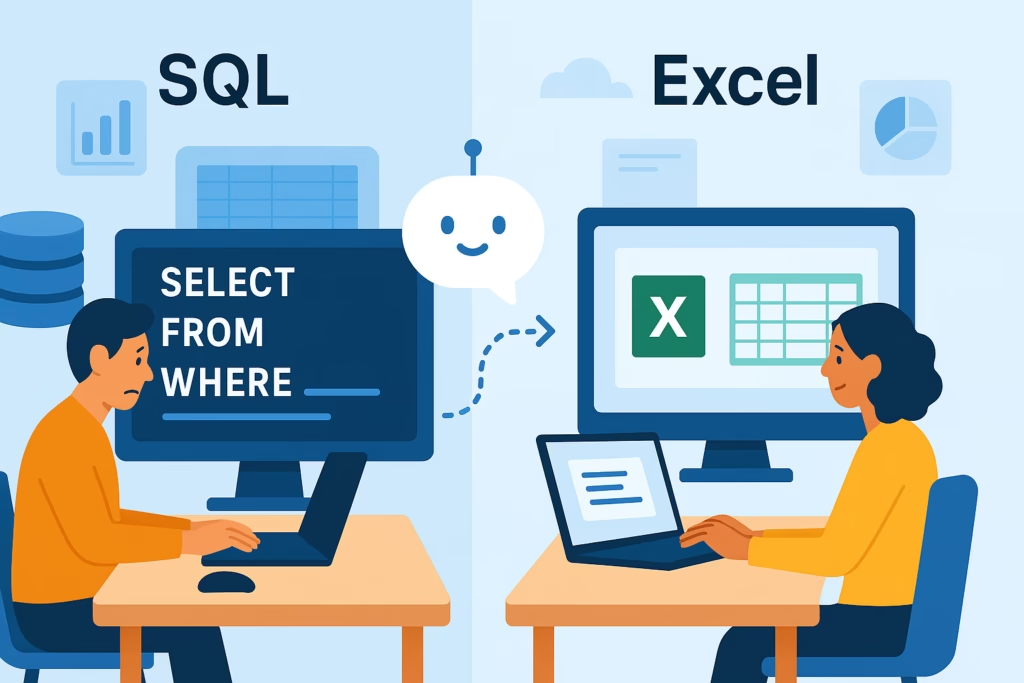
In practical data analytics projects, SQL vs Excel is not an either-or decision. Most organizations use both tools together.
Typical Enterprise Data Workflow
| Step | Tool Used | Purpose |
|---|---|---|
| Data storage | SQL databases | Centralized, structured storage |
| Data extraction | SQL | Filtering, joining, aggregating data |
| Data transformation | SQL / ETL tools | Cleaning and shaping data |
| Analysis | Excel | Calculations, pivot tables |
| Visualization | Excel, Power BI, Tableau | Dashboards and reports |
Example Scenario
A data analyst working on sales performance analysis may:
- Use SQL to query transactional data from a production database.
- Apply filters, joins, and aggregations in SQL to reduce data volume.
- Export the processed dataset to Excel.
- Use Excel pivot tables and formulas to analyze trends.
- Share insights through Excel charts or BI dashboards.
In this context, SQL vs Excel represents different stages of the same analytics lifecycle.
Why Is SQL vs Excel Important for Working Professionals?
Understanding SQL vs Excel is critical for professionals pursuing roles in data analytics, business intelligence, and reporting.
Key Reasons
- Scalability: SQL handles millions of rows efficiently; Excel does not.
- Data governance: SQL databases enforce constraints and access controls.
- Speed: SQL executes queries faster for large datasets.
- Accessibility: Excel is easier for non-technical stakeholders.
For learners preparing for credentials such as the Google data analytics certification or an online data analytics certificate, both SQL and Excel are considered core skills.
SQL vs Excel: Feature-by-Feature Comparison
| Feature | SQL | Excel |
|---|---|---|
| Data volume | Large datasets (millions of rows) | Small to medium datasets |
| Data structure | Highly structured, relational | Semi-structured |
| Performance | High for complex queries | Limited for large files |
| Automation | High (scripts, stored procedures) | Moderate (macros, formulas) |
| Collaboration | Multi-user, server-based | File-based sharing |
| Learning curve | Moderate | Low to moderate |
This comparison clarifies why SQL vs Excel decisions depend on the analytics task rather than personal preference.
How Is SQL Used in Enterprise Data Analytics Environments?
Common SQL Use Cases
In enterprise environments, SQL is commonly used for:
- Data extraction from transactional systems
- Creating reporting views and data marts
- Supporting BI tools like Power BI and Tableau
- Data validation and quality checks
Example SQL Query (Conceptual)
SELECT region, SUM(revenue) AS total_revenue
FROM sales_transactions
WHERE transaction_date >= '2025-01-01'
GROUP BY region;
This type of query is typical in production analytics systems and highlights why SQL is central to large-scale analytics.
How Is Excel Used in Enterprise Data Analytics Environments?
Excel remains relevant even in mature analytics ecosystems.
Common Excel Use Cases
- Ad hoc analysis and quick calculations
- Financial and operational reporting
- Data validation and sampling
- Stakeholder-friendly reporting formats
Excel Features Commonly Used by Analysts
- Pivot tables for summarization
- VLOOKUP/XLOOKUP for data enrichment
- Power Query for basic ETL tasks
- Charts for visual communication
In SQL vs Excel discussions, Excel is often favored for last-mile analysis and presentation.
SQL vs Excel in Power BI and Tableau Workflows
Role of SQL
In BI tools like Power BI and Tableau:
- SQL is used to connect to databases.
- Queries define data models and relationships.
- Performance optimization depends on SQL design.
Role of Excel
Excel is often used to:
- Prepare small reference datasets.
- Perform initial exploration before BI modeling.
- Serve as a data source for BI tools.
Understanding SQL vs Excel helps analysts design efficient BI pipelines.
What Skills Are Required to Learn SQL vs Excel for Data Analytics?
SQL Skills
- Writing SELECT, JOIN, GROUP BY queries
- Understanding relational data models
- Indexing and performance basics
- Data cleaning using SQL functions
Excel Skills
- Spreadsheet design and data organization
- Formulas and logical functions
- Pivot tables and charts
- Data validation techniques
Most online data analytics certificate programs include both SQL and Excel due to their complementary roles.
SQL vs Excel: Common Challenges Faced by Teams
SQL Challenges
- Query optimization for performance
- Managing complex joins
- Ensuring data security and access control
Excel Challenges
- File version control
- Performance limits with large datasets
- Risk of manual errors
Recognizing these challenges helps professionals choose the right tool in SQL vs Excel scenarios.
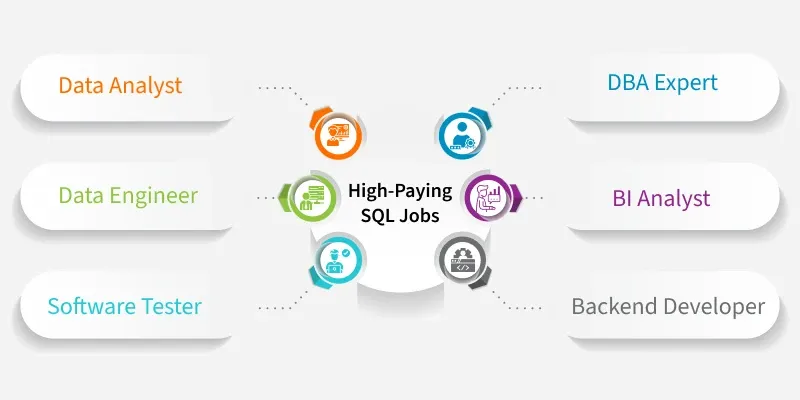
What Job Roles Use SQL vs Excel Daily?
| Job Role | SQL Usage | Excel Usage |
|---|---|---|
| Data Analyst | High | High |
| Business Analyst | Medium | High |
| BI Developer | High | Medium |
| Financial Analyst | Low | High |
| Operations Analyst | Medium | High |
Most roles do not require choosing SQL vs Excel exclusively; instead, they require proficiency in both.
What Careers Are Possible After Learning SQL vs Excel?
Learning SQL vs Excel opens pathways to roles such as:
- Data Analyst
- Business Intelligence Analyst
- Reporting Analyst
- Operations Analyst
These roles often appear in curricula aligned with the Google data analytics certification, emphasizing practical SQL and Excel skills.
SQL vs Excel Learning Path for Data Analytics Professionals
| Stage | Focus | Tools |
|---|---|---|
| Beginner | Data basics, formulas | Excel |
| Intermediate | Querying and joins | SQL |
| Advanced | BI integration | SQL, Power BI, Tableau |
| Professional | End-to-end analytics | SQL + Excel |
This progression reflects how SQL vs Excel skills develop over time.
SQL vs Excel: Frequently Asked Questions (FAQ)
Is SQL better than Excel for data analytics?
SQL is better for large-scale data querying and transformation, while Excel is better for analysis and reporting on smaller datasets. SQL vs Excel depends on the use case.
Can I do data analytics using Excel only?
Excel can support basic analytics, but most professional environments require SQL for database access and scalability.
Do I need SQL for Power BI or Tableau?
Yes. SQL is commonly used to extract and prepare data before visualization in BI tools.
Which should I learn first: SQL or Excel?
Many professionals start with Excel and then learn SQL as data complexity increases. SQL vs Excel learning order depends on role requirements.
Are SQL and Excel part of certification programs?
Yes. Programs like the Google data analytics certification and many online data analytics certificate courses include both SQL and Excel.
Conclusion
- SQL vs Excel is a comparison of complementary tools, not competitors.
- SQL is essential for large datasets, databases, and BI integrations.
- Excel is valuable for analysis, reporting, and stakeholder communication.
- Modern data analytics workflows typically use both tools together.
- Learning SQL and Excel supports long-term career growth in analytics.
To apply SQL vs Excel skills in real-world projects, structured hands-on training is essential.
Explore H2K Infosys Online data analytics certificate courses to build practical expertise across SQL, Excel, Power BI, and Tableau.