Introduction
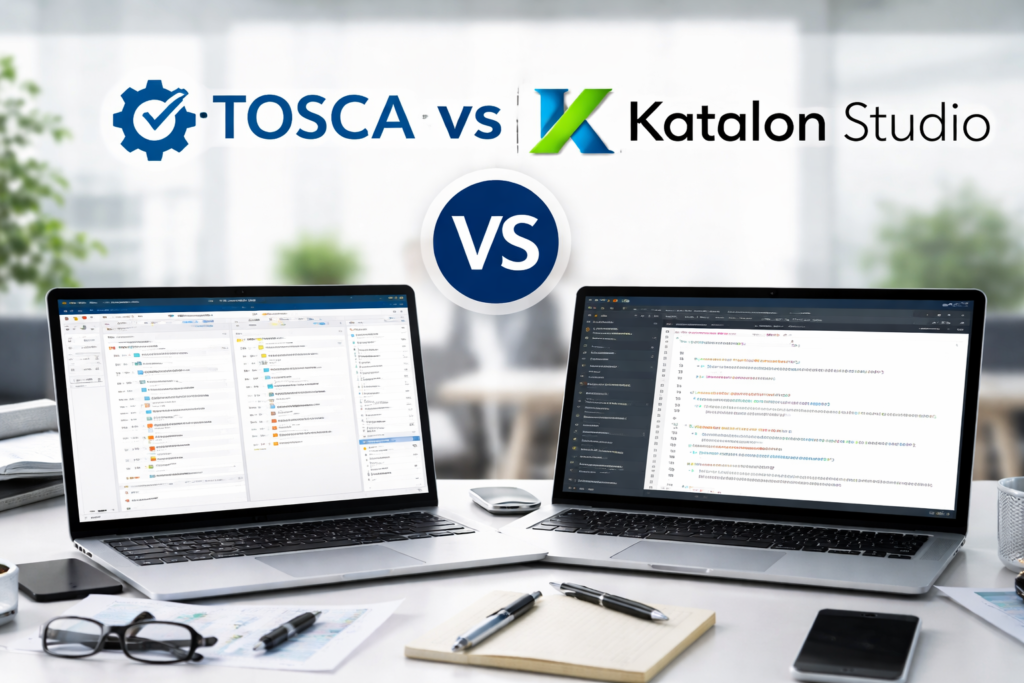
Software testing has become a core part of modern development. Teams release updates faster than ever. They need tools that can keep up with speed and quality. This need creates a common question for testers and teams: TOSCA vs Katalon Studio which one should you choose?
Imagine a team working on a banking application. They must test hundreds of workflows across web, mobile, and APIs. Manual testing takes too long. Automation becomes the only solution. But choosing the right tool makes a huge difference in success.
In this guide, you will learn a complete comparison of TOSCA vs Katalon Studio. You will see how each tool works, where each tool fits, and how you can build strong automation skills through structured learning like a TOSCA Automation Course, TOSCA Certification, and TOSCA Training Online.
What is TOSCA?
TOSCA is a model based test automation tool. It focuses on reducing coding effort. It uses a visual approach to build test cases.
Key Features of TOSCA
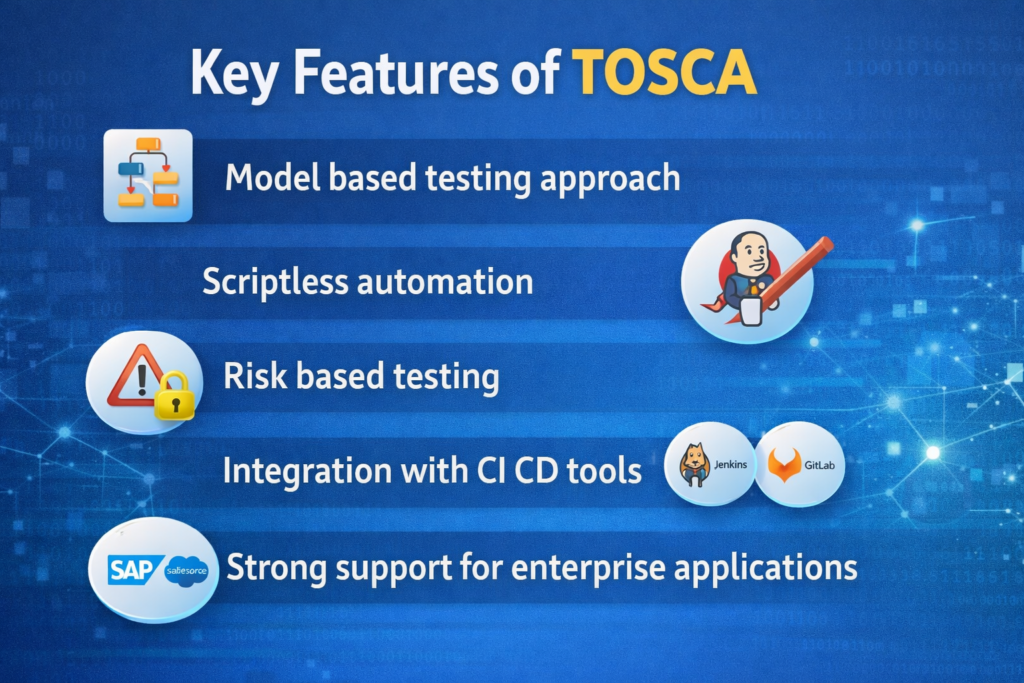
- Model based testing approach
- Scriptless automation
- Risk based testing
- Integration with CI CD tools
- Strong support for enterprise applications
How TOSCA Works
TOSCA uses reusable modules. You create test steps using these modules. You do not need to write code for most tasks.
Example Workflow
- Scan application elements
- Create modules
- Build test cases
- Execute test runs
- Analyze results
Real World Example
A retail company uses TOSCA to test its checkout system. The team builds reusable modules for login, cart, and payment. When the UI changes, they update one module instead of all test cases.
What is Katalon Studio?
Katalon Studio is an automation tool that supports web, API, mobile, and desktop testing. It provides both script based and low code options.
Key Features of Katalon Studio
- Built on Selenium and Appium
- Supports scripting with Groovy
- Record and playback feature
- Built in reporting
- Easy integration with DevOps tools
How Katalon Studio Works
Katalon allows both beginners and developers to create tests. Beginners can use record and playback. Advanced users can write custom scripts.
Example Workflow
- Record user actions
- Edit test cases
- Add validations
- Execute tests
- View reports
Real World Example
A startup uses Katalon Studio to test APIs. Developers write scripts for validation. Testers use record features for UI tests.
TOSCA vs Katalon Studio: Core Differences
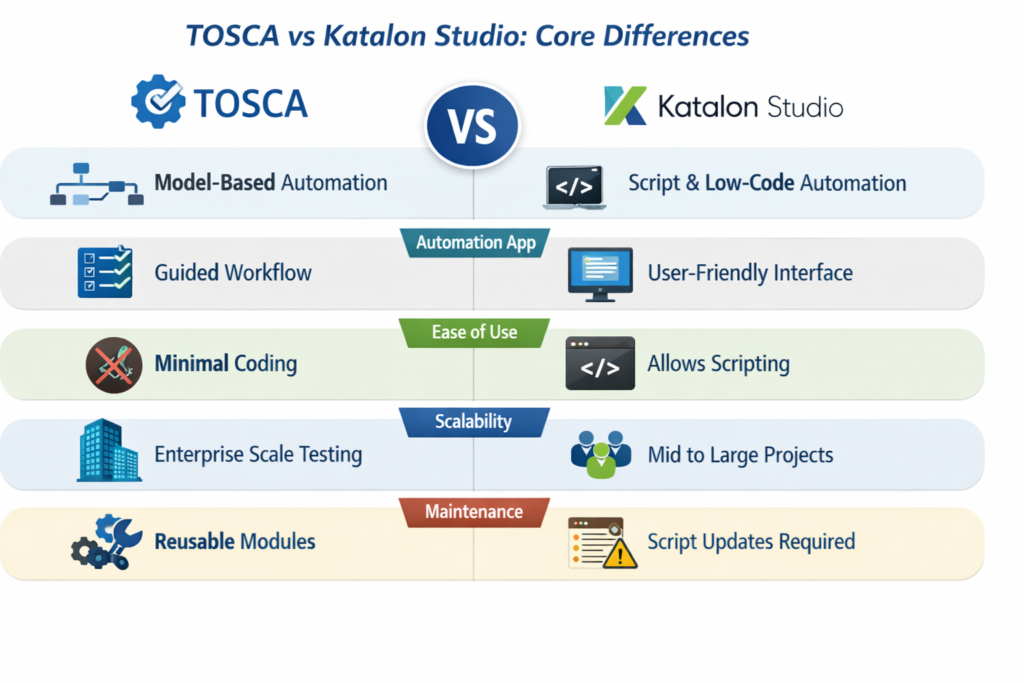
When you compare TOSCA vs Katalon Studio, you should look at architecture, usability, and flexibility.
1. Automation Approach
- TOSCA uses model based automation
- Katalon uses script based and low code automation
In TOSCA vs Katalon Studio, TOSCA suits non coders. Katalon suits both coders and beginners.
2. Ease of Use
- TOSCA has a guided workflow
- Katalon has a user friendly interface
In TOSCA vs Katalon Studio, beginners often find both easy. However, TOSCA requires understanding of its model.
3. Coding Requirement
- TOSCA requires minimal coding
- Katalon allows scripting
In TOSCA vs Katalon Studio, developers may prefer Katalon for flexibility.
4. Scalability
- TOSCA supports enterprise scale testing
- Katalon supports mid to large projects
In TOSCA vs Katalon Studio, TOSCA often fits large enterprises.
5. Maintenance
- TOSCA reduces maintenance using reusable modules
- Katalon requires script updates
In TOSCA vs Katalon Studio, TOSCA wins in long term maintenance.
Architecture Comparison
TOSCA Architecture
- Model based structure
- Central repository
- Module reuse system
Katalon Architecture
- Script based structure
- Test case files
- Plugin based extensions
In TOSCA vs Katalon Studio, architecture impacts how teams manage tests.
Performance and Speed
TOSCA
- Faster test design due to reusable modules
- Efficient execution for large test suites
Katalon Studio
- Faster setup for small projects
- Execution speed depends on scripts
In TOSCA vs Katalon Studio, performance depends on project size.
Integration Capabilities
TOSCA Integrations
- CI CD pipelines
- Test management tools
- SAP and enterprise systems
Katalon Integrations
- Jenkins
- Git
- JIRA
In TOSCA vs Katalon Studio, both tools support modern workflows.
Learning Curve
TOSCA Learning Path
To master TOSCA, learners follow structured steps:
- Understand model based testing
- Learn module creation
- Practice test case design
- Explore execution and reporting
This path often aligns with a TOSCA Automation Course.
Katalon Learning Path
- Learn basic UI
- Practice record and playback
- Learn scripting
- Build test suites
In TOSCA vs Katalon Studio, TOSCA requires a structured approach.
Career Opportunities
TOSCA Skills Demand
Companies use TOSCA in:
- Banking
- Insurance
- Healthcare
- Retail
Professionals often pursue TOSCA Certification to validate skills.
Katalon Skills Demand
Katalon skills are useful in:
- Startups
- Small teams
- Agile projects
In TOSCA vs Katalon Studio, TOSCA often leads to enterprise roles.
Hands On Example
Sample Test Scenario
Test a login page.
TOSCA Approach
- Create module for login fields
- Add actions for input and click
- Validate success message
Katalon Approach
WebUI.openBrowser(”)
WebUI.navigateToUrl(‘https://example.com’)
WebUI.setText(findTestObject(‘username’), ‘user’)
WebUI.setText(findTestObject(‘password’), ‘pass’)
WebUI.click(findTestObject(‘login’))
WebUI.verifyTextPresent(‘Welcome’, false)
In TOSCA vs Katalon Studio, this example shows a code vs model approach.
Advantages of TOSCA
- No coding required
- High reusability
- Strong enterprise support
- Efficient maintenance
In TOSCA vs Katalon Studio, TOSCA excels in large scale environments.
Advantages of Katalon Studio
- Easy to start
- Flexible scripting
- Free version available
- Quick setup
In TOSCA vs Katalon Studio, Katalon suits quick projects.
Limitations of TOSCA
- Requires training
- Higher cost
- Initial setup effort
Limitations of Katalon Studio
- Script maintenance effort
- Limited advanced features for large enterprises
In TOSCA vs Katalon Studio, each tool has trade offs.
When Should You Choose TOSCA?
Choose TOSCA if:
- You work in an enterprise environment
- You want low code automation
- You need scalable solutions
- You plan to pursue TOSCA Training Online
When Should You Choose Katalon Studio?
Choose Katalon if:
- You need quick automation
- You are comfortable with coding
- You work in a small team
Industry Trends and Insights
- Automation testing demand grows every year
- Enterprises prefer model based tools
- Low code tools reduce dependency on developers
In TOSCA vs Katalon Studio, trends show rising interest in scriptless tools.
Building Skills with TOSCA
To build strong skills, follow this roadmap:
Step 1: Learn Basics
- Understand testing concepts
- Learn automation fundamentals
Step 2: Enroll in TOSCA Automation Course
- Learn modules
- Practice real scenarios
Step 3: Practice Projects
- Create test cases
- Work on real applications
Step 4: Get TOSCA Certification
- Validate your skills
- Improve job opportunities
Step 5: Continue Learning
- Explore advanced features
- Practice regularly
Key Takeaways
- TOSCA vs Katalon Studio depends on project needs
- TOSCA suits enterprise level testing
- Katalon suits flexible and quick testing
- Model based testing reduces maintenance
- Script based testing offers flexibility
Conclusion
Choosing between TOSCA vs Katalon Studio depends on your goals, project size, and skill level. Both tools provide strong automation capabilities, but their approach differs.
Start building your automation skills today with structured learning and consistent practice.
Focus on mastering tools that align with your long term career path.