


SQL for data analytics integrates with BI tools by serving as the primary language for accessing, querying, and transforming structured data stored in relational databases, which BI platforms then visualise and analyse. In data analytics workflows, SQL for data analytics retrieves and prepares data, while BI tools such as Power BI and Tableau consume SQL for data analytics query outputs to create dashboards, reports, and analytical models. SQL for data analytics allows organisations to combine reliable database querying with interactive data visualisation and business reporting.
What Does It Mean to SQL Integrate With BI Tools?
Understanding SQL for data analytics is essential for businesses looking to leverage data effectively.
SQL for data analytics plays a critical role in deriving insights from large datasets.
When professionals say SQL Integrate With BI, they are referring to the operational connection between:
- SQL-based data sources (relational databases and data warehouses)
- Business Intelligence (BI) tools used for reporting, visualization, and analytics
SQL acts as the data access and logic layer, while BI tools act as the presentation and insight layer.
Common SQL Data Sources Used With BI Tools
Using SQL for data analytics, professionals can streamline their reporting processes.
| Data Source Type | Examples |
|---|---|
| Relational Databases | MySQL, PostgreSQL, SQL Server, Oracle |
| Cloud Data Warehouses | Snowflake, Amazon Redshift, BigQuery |
| Enterprise Systems | ERP, CRM databases |
| Operational Databases | Application back-end databases |
BI tools connect to these sources using SQL queries either generated automatically by the platform or written manually by analysts as part of a structured Data analytics certification course and real-world analytics workflows.
Many organizations rely on SQL for data analytics to ensure data accuracy and reliability.
How Does SQL Integration Work in BI Tools?
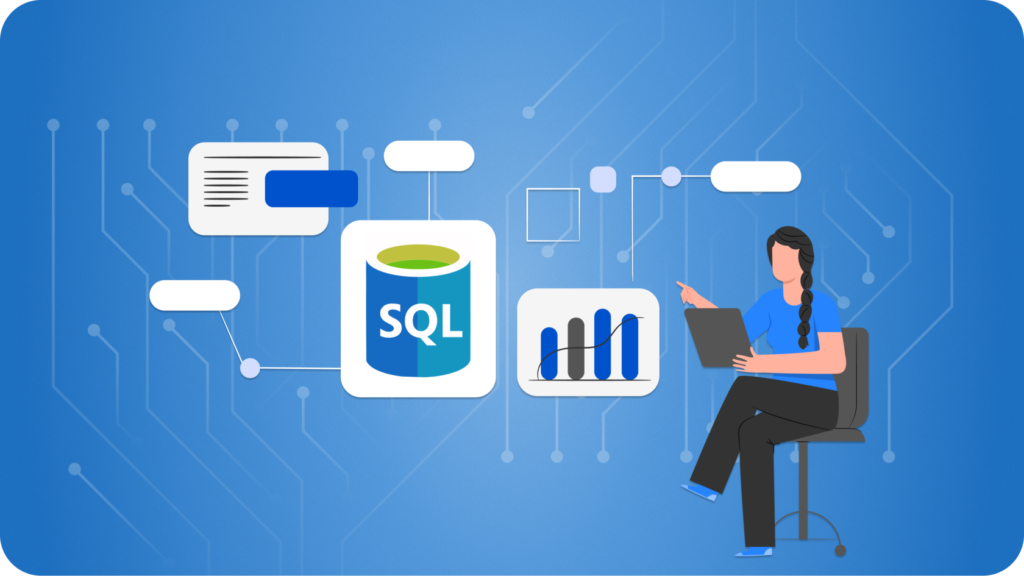
Step-by-Step Integration Workflow
- Database Connection
- BI tool connects to a SQL-compatible database
- Authentication and access controls are applied
- SQL Query Execution
- Queries retrieve raw or aggregated data
- Filtering, joins, and calculations occur at the database level
- Data Import or Live Query
- Data is imported into the BI model or queried live
- Performance and refresh strategy are defined
- Data Modeling
- Relationships, measures, and calculated fields are created
- SQL outputs become analytical datasets
- Visualization and Reporting
- Dashboards, charts, and reports are built
- Business users interact with prepared data
This workflow explains why SQL Integrate With BI is foundational to modern data analytics.
How Does SQL Integrate With BI in Power BI?
Power BI uses SQL in multiple ways depending on the data mode.
Power BI Integration Modes
| Mode | Description |
|---|---|
| Import Mode | SQL queries load data into Power BI |
| DirectQuery | SQL queries run live on the database |
| Composite Model | Mix of imported and live SQL data |
Typical SQL Usage in Power BI
Understanding SQL for data analytics is crucial for leveraging BI tools effectively.
- Writing custom SQL queries during data connection
- Using SQL views as data sources
- Optimizing performance by pushing logic to SQL
- Supporting row-level security using SQL filters
In real enterprise projects, SQL Integrate With BI by pre-aggregating data before Power BI consumes it, which helps reduce report load times and improves overall performance.
How Does SQL Integrate With BI in Tableau?
Tableau integrates SQL at the data connection and query execution layer.
Tableau SQL Capabilities
- Automatically generates SQL queries based on user actions
- Supports custom SQL for advanced logic
- Connects to live databases or extracts data
- Pushes calculations to the database when possible
Real-World Tableau Use Case
A data analyst writes a SQL query that joins sales, customer, and product tables. Tableau then visualizes trends, filters by region, and calculates KPIs using that SQL output.
This demonstrates how SQL Integrate With BI tools without replacing analytical logic.
Why Is SQL Integration Important for Data Analytics?
SQL Integrate With BI is important because most enterprise data lives in structured databases.
Key Reasons SQL Integration Matters
- Data accuracy is preserved at the source
- Business logic is centralized in SQL
- BI tools remain lightweight and responsive
- Governance and security policies are enforced
SQL for data analytics is often used in conjunction with various BI tools to enhance decision-making.
Professionals should leverage SQL for data analytics to improve operational efficiency.
Mastering SQL for data analytics is crucial for data-driven organizations.
For professionals attending data analyst online classes, understanding SQL integration helps bridge theory and real-world analytics.
SQL for data analytics allows for enhanced query performance when working with large datasets.
How Is SQL Used in Real-World BI Projects?
Common Enterprise BI Workflow
| Stage | SQL Role | BI Role |
|---|---|---|
| Data Extraction | SELECT, JOIN, WHERE | Connection setup |
| Data Transformation | Aggregations, CASE logic | Minimal transformations |
| Modeling | Views, stored procedures | Measures and KPIs |
| Reporting | Optimized queries | Dashboards and visuals |
SQL is rarely optional in production BI environments.
What Types of SQL Queries Are Commonly Used With BI Tools?
Frequently Used SQL Operations
- SELECT statements with filters
- JOINs across multiple tables
- GROUP BY for aggregations
- Window functions for analytics
- Subqueries and CTEs
- Date and time transformations
These queries form the backbone of BI reporting systems.
How Does SQL Improve BI Performance and Scalability?
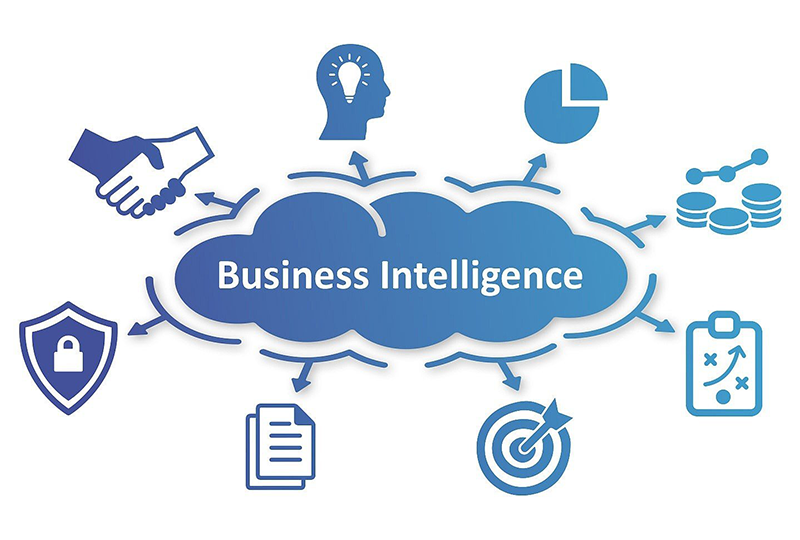
SQL improves BI performance by:
- Offloading computation to databases
- Reducing data volume before visualization
- Leveraging indexes and partitions
- Supporting incremental data refresh
In enterprise systems, poorly written SQL can slow down BI tools, making SQL optimization a critical skill.
What Skills Are Required to Learn SQL Integration With BI?
Core Technical Skills
| Skill Area | Description |
|---|---|
| SQL Fundamentals | Queries, joins, aggregations |
| Data Modeling | Fact and dimension tables |
| BI Tool Basics | Power BI or Tableau navigation |
| Performance Tuning | Query optimization |
| Data Governance | Security and access control |
These skills are commonly taught together in a data analytics certification course.
How Is SQL Integration Used in Enterprise Environments?
Typical Enterprise Architecture
Individuals skilled in SQL for data analytics are highly sought after in the job market.
- Source systems store transactional data
- SQL-based warehouses consolidate data
- BI tools connect using SQL
- Reports serve business stakeholders
SQL Integrate With BI within governed pipelines that support auditing, compliance, and scalability.
What Job Roles Use SQL and BI Integration Daily?
Roles and Responsibilities
| Job Role | SQL Usage | BI Usage |
|---|---|---|
| Data Analyst | High | High |
| BI Developer | Very High | Very High |
| Business Analyst | Medium | High |
| Analytics Engineer | Very High | Medium |
| Reporting Analyst | High | High |
SQL Integrate with BI tools are not limited to technical roles; it supports business decision-making.
How Does SQL Support Data Accuracy and Governance in BI?
SQL enables:
- Controlled data access
- Consistent business definitions
- Auditable query logic
- Centralized data transformations
This is why organizations prefer SQL-driven BI rather than spreadsheet-based reporting.
Common Challenges When SQL Integrate With BI Tools
Typical Issues Faced by Teams
- Inefficient SQL queries
- Overloading BI tools with logic
- Data refresh failures
- Schema changes breaking reports
- Performance bottlenecks
Best practices involve balancing logic between SQL and BI layers.
Best Practices for SQL Integration With BI Tools
Recommended Practices
- Use database views for reusable logic
- Avoid heavy calculations in BI tools
- Optimize SQL queries before reporting
- Implement incremental refresh
- Apply security at the database level
These practices are standard in enterprise analytics teams.
How Do Data Analytics Courses Teach SQL and BI Integration?
In structured learning paths:
- SQL fundamentals are taught first
- BI tools are introduced next
- Integration projects combine both
- Real datasets simulate enterprise systems
This approach is common in data analyst online classes focused on job readiness.
Careers Possible After Learning SQL Integration With BI

Career Opportunities
- Data Analyst
- BI Analyst
- Reporting Specialist
- Analytics Consultant
- Junior Analytics Engineer
These roles often require SQL and BI proficiency together, not separately.
Frequently Asked Questions (FAQ)
Is SQL mandatory for BI tools?
Yes. While BI tools offer visual interfaces, SQL is required for serious analytics work.
Can BI tools work without SQL?
Only for basic use cases. Enterprise analytics relies on SQL integration.
Which BI tool uses SQL the most?
All major BI tools rely heavily on SQL, though implementation differs.
Do I need advanced SQL for BI?
Intermediate SQL is sufficient initially, with advanced skills improving performance.
Is SQL integration relevant for cloud analytics?
Yes. Cloud BI platforms still depend on SQL-based data warehouses.
Key Takeaways
- SQL Integrate With BI by acting as the data access and transformation layer
- BI tools rely on SQL for performance, accuracy, and governance
- Power BI and Tableau both depend heavily on SQL integration
- Enterprise analytics workflows require SQL-first design
- SQL and BI skills are commonly paired in analytics careers
Explore Hands-On Learning
To apply these concepts in real analytics projects, explore structured training programs at H2K Infosys Data analyst online classes focused on SQL, BI tools, and enterprise data analytics.
Hands-on practice helps translate integration theory into job-ready skills.
Utilizing SQL for data analytics helps teams to deliver actionable insights quickly.
SQL for data analytics is a foundational skill in the data analytics field.
Employing SQL for data analytics facilitates better data governance practices.
SQL for data analytics supports advanced analytical capabilities that drive business success.
The relevance of SQL for data analytics continues to grow with the rise of big data.
Effective use of SQL for data analytics can lead to significant cost savings for businesses.
SQL for data analytics enhances the ability to identify trends and patterns in data.
With SQL for data analytics, businesses can perform real-time data analysis to make informed decisions.
Organizations utilizing SQL for data analytics are better positioned to respond to market changes.
SQL for data analytics is integral to developing predictive models in business intelligence.
Utilizing SQL for data analytics enhances collaboration between technical and non-technical teams.
SQL for data analytics empowers organizations to unlock the full value of their data.
Through SQL for data analytics, organizations can enhance their data storytelling capabilities.
Mastering SQL for data analytics equips professionals for advanced analytical tasks.
SQL for data analytics helps ensure that interpretations of data are accurate and consistent.
Utilizing SQL for data analytics leads to improved decision-making across all levels of an organization.
With SQL for data analytics, analysts can discover new insights hidden within vast data sets.
SQL for data analytics also fosters a culture of data-driven decision-making within organizations.
By integrating SQL for data analytics into workflows, companies can enhance their operational capabilities.
























One Response
Great breakdown of how SQL underpins the work that BI tools do on the visualization side. One thingBlog Comment Creation Guide that stands out is how much smoother dashboard development becomes when teams use SQL to pre-structure data before it ever hits a BI layer. It might also be interesting to explore how SQL-driven data modeling helps maintain consistency across different reports, especially when multiple analysts are touching the same datasets.