In the world of Agile software training, Scrum vs Kanban has become one of the most debated topics among project managers, software developers, and business analysts. Both methodologies follow Agile principles, yet they differ significantly in structure, workflow, and team dynamics. Understanding these differences helps you choose the right model for your project and ensures better collaboration, faster delivery, and higher product quality.
This blog from H2K Infosys explores both frameworks in detail what they are, how they work, and when to use them so you can make informed decisions for your Agile journey.
Introduction to Agile Methodologies
Agile methodologies emphasize flexibility, collaboration, and customer satisfaction. Instead of rigid, long-term planning, Agile promotes iterative progress through smaller, manageable deliverables. It empowers teams to adapt quickly to change, reducing project risks and enhancing productivity.
Within Agile software training, two of the most popular methodologies are Scrum and Kanban. Both aim to improve efficiency and product delivery but use distinct approaches to workflow management.
Before diving into Scrum vs Kanban, let’s briefly understand their origins.
The Origins of Scrum and Kanban
Scrum: A Framework for Sprints and Roles
Scrum was inspired by a 1986 Harvard Business Review paper titled “The New New Product Development Game.” It was formalized by Jeff Sutherland and Ken Schwaber in the 1990s. Scrum divides projects into short, time-bound iterations called sprints, typically lasting 2–4 weeks. Each sprint focuses on specific deliverables, promoting regular feedback and improvement.
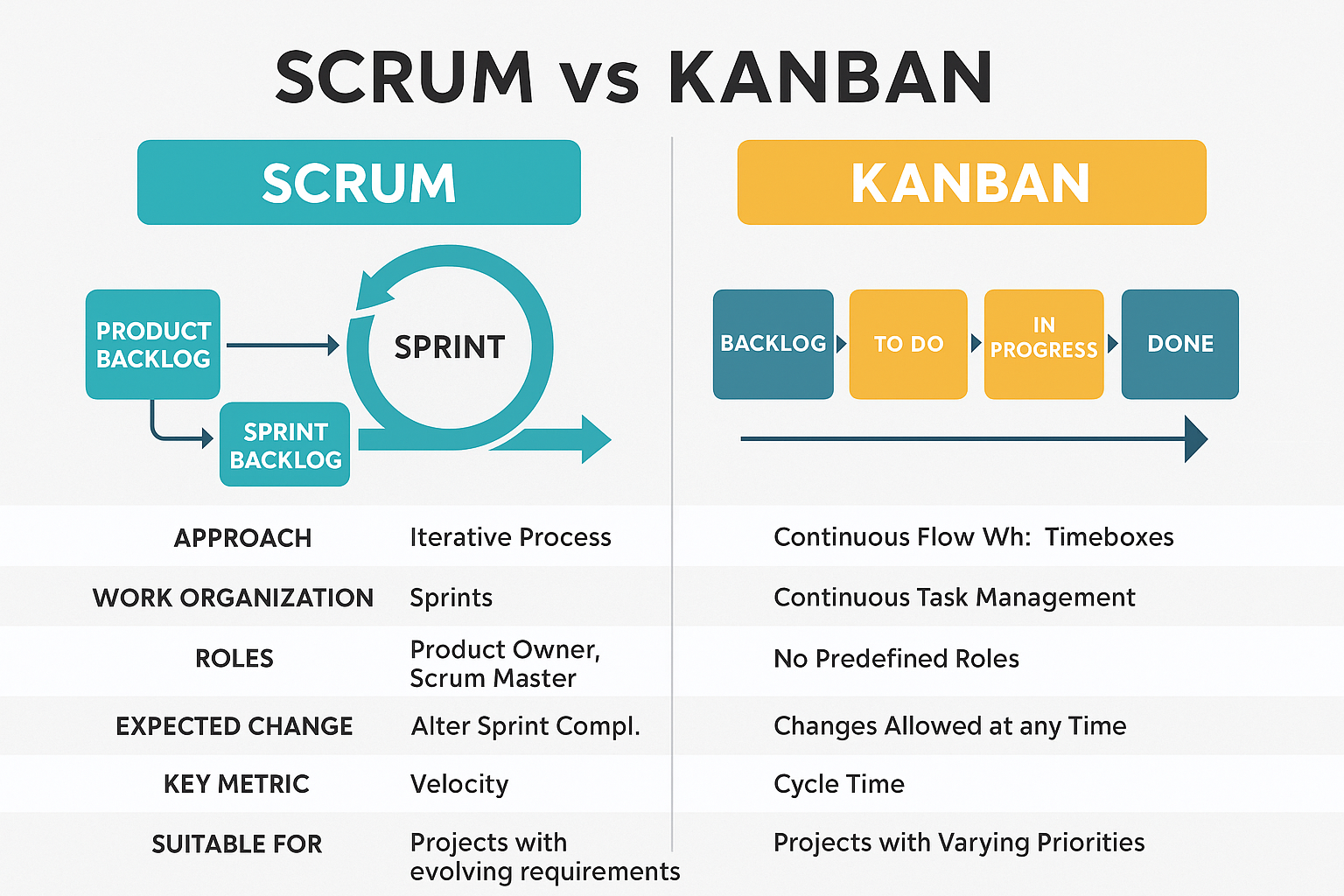
Key roles in Scrum include:
- Product Owner – Defines project goals and prioritizes tasks.
- Scrum Master – Facilitates meetings, resolves issues, and ensures team adherence to Scrum principles.
- Development Team – Executes tasks to deliver sprint goals.
Kanban: A System for Continuous Flow
Kanban, developed from the Toyota Production System, is a visual workflow management system designed to optimize efficiency and reduce waste. Instead of fixed-length sprints, Kanban uses a continuous flow model, where tasks move across stages such as “To Do,” “In Progress,” and “Done.”
Unlike Scrum vs Kanban has no predefined roles or timeboxed iterations. It focuses on visualizing work, limiting work in progress (WIP), and maximizing throughput.
Scrum vs Kanban: Core Differences Explained
Both Scrum and Kanban share Agile principles but differ in implementation. Below is a detailed comparison to help you determine which one aligns with your project goals.
| Feature | Scrum | Kanban |
|---|---|---|
| Approach | Iterative and timeboxed | Continuous flow |
| Work Division | Sprints (2–4 weeks) | Continuous task movement |
| Roles Defined | Product Owner, Scrum Master, Development Team | No specific roles |
| Meetings | Sprint Planning, Daily Scrum, Sprint Review | As needed |
| Flexibility | Changes allowed after sprint completion | Changes anytime |
| Metrics | Velocity | Cycle time, throughput |
| Best For | Complex projects needing structure | Ongoing projects requiring flexibility |
In the Scrum vs Kanban debate, Scrum emphasizes structured planning and teamwork accountability, while Kanban promotes fluid adaptability and efficiency.
How Scrum Works in Agile Projects
Step 1: Sprint Planning
Teams plan the tasks to be completed during the sprint. The Product Owner defines the goals and the Scrum Master facilitates discussions.
Step 2: Daily Standups
A short 15-minute meeting where each team member shares progress, challenges, and next steps.
Step 3: Sprint Execution
Developers focus on completing selected backlog items. No new work is added mid-sprint.
Step 4: Sprint Review
At the end of each sprint, the team demonstrates the completed product increment to stakeholders.
Step 5: Sprint Retrospective
The team evaluates what went well and identifies areas for improvement before the next sprint begins.
Scrum encourages discipline, collaboration, and measurable progress making it a popular choice in agile and scrum training programs.
How Kanban Works in Agile Projects
Step 1: Visualize the Workflow
Teams use a Kanban board to map tasks across stages like “Backlog,” “In Progress,” and “Completed.”
Step 2: Limit Work in Progress (WIP)
Each stage has a limit on the number of tasks, ensuring focus and reducing overload.
Step 3: Continuous Delivery
As soon as a task is completed, the next one enters the workflow. This enables faster turnaround and consistent delivery.
Step 4: Monitor Metrics
Teams track metrics such as lead time, cycle time, and throughput to improve performance.
Kanban’s simplicity and adaptability make it a key component of agile software training programs focused on lean process optimization.
Scrum vs Kanban in Real-World Scenarios
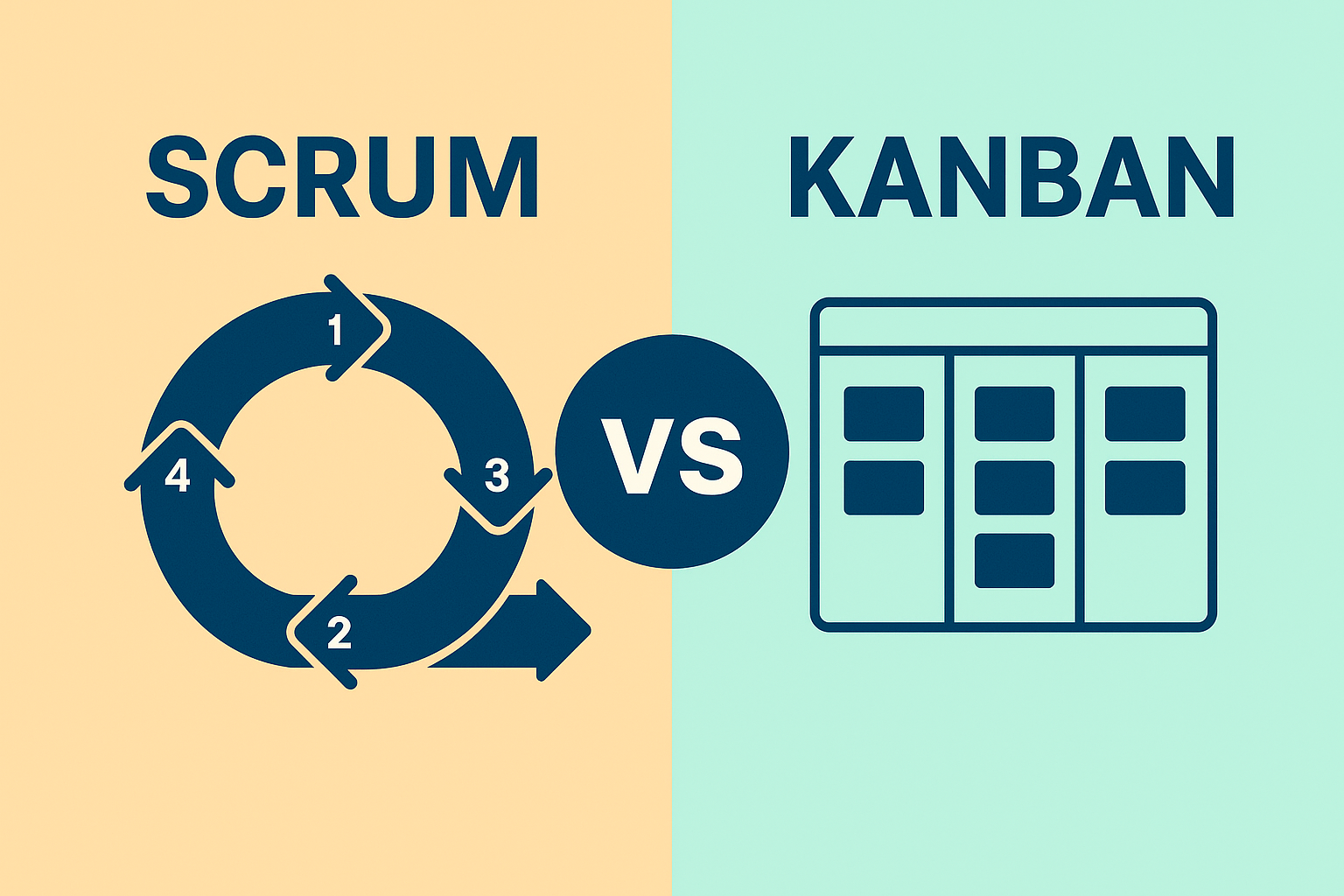
Scenario 1: Product Development
For projects requiring fixed goals, deadlines, and teamwork synchronization, Scrum offers better control and accountability. The sprint structure ensures steady progress.
Scenario 2: Service or Support Teams
Teams handling constant task inflow, like IT operations or customer support, benefit from Kanban’s flexibility and continuous delivery model.
Scenario 3: Hybrid Projects
Many organizations blend the two approaches, using Scrum’s sprint discipline and Kanban’s visual flow creating a Scrumban model for maximum efficiency.
In practice, the Scrum vs Kanban choice often depends on team size, project complexity, and organizational goals.
Scrum vs Kanban: Strengths and Limitations
Strengths of Scrum
- Clear structure and roles.
- Regular feedback improves product quality.
- Encourages accountability and collaboration.
- Predictable timelines through sprints.
Limitations of Scrum
- Less flexible during ongoing sprints.
- Requires consistent time commitment.
- May feel rigid for dynamic teams.
Strengths of Kanban
- Easy to implement and visualize.
- Adaptable to changing priorities.
- Reduces bottlenecks through WIP limits.
- Supports continuous improvement.
Limitations of Kanban
- Lack of structure can cause confusion in large teams.
- Performance depends on discipline and transparency.
- No formal roles or ceremonies.
Understanding these differences helps learners in agile scrum methodology certification courses choose a framework that best fits their project dynamics.
Scrum vs Kanban: Performance Metrics
Scrum Metrics
- Velocity – Measures how much work a team completes per sprint.
- Burndown Chart – Tracks remaining work to assess sprint progress.
- Sprint Goal Achievement – Evaluates how well objectives are met.
Kanban Metrics
- Cycle Time – Measures how long a task takes to complete.
- Lead Time – Time from request initiation to delivery.
- Throughput – Number of tasks completed in a set period.
Monitoring these metrics is crucial for professionals in scrum master training and placement programs to drive data-informed decision-making.
Which Should You Choose: Scrum or Kanban?
In the Scrum vs Kanban debate, there’s no one-size-fits-all answer. The best choice depends on your team’s workflow, goals, and project type.
Choose Scrum If:
- You manage complex projects with clear sprint goals.
- Your team values structured collaboration.
- You prefer defined roles and responsibilities.
Choose Kanban If:
- Your work is continuous, like maintenance or support.
- You need flexibility for changing priorities.
- Your team is small and self-managed.
Choose Hybrid (Scrumban) If:
- You want the best of both worlds Scrum’s focus and Kanban’s flow.
Professionals pursuing agile and scrum training often experiment with both models before finding the one that aligns with their organization’s workflow.
Case Study: Applying Scrum and Kanban in Practice
A software development team faced delays due to poor task visibility and unclear sprint goals. After implementing Scrum vs Kanban analysis, they adopted Scrum for structured product releases and Kanban for bug tracking. The result? A 30% increase in delivery speed and better stakeholder satisfaction.
Such case studies are often explored in agile software training sessions to demonstrate real-world adaptability of both frameworks.
Key Takeaways: Scrum vs Kanban
- Scrum is structured, sprint-based, and ideal for projects with defined goals.
- Kanban is flexible, flow-based, and suitable for ongoing work.
- Both share Agile principles of collaboration, adaptability, and continuous improvement.
- Combining both (Scrumban) can balance predictability with flexibility.
- Learning both through agile and scrum training enhances your project management skills and career opportunities.
Why Learn Scrum and Kanban with H2K Infosys?
At H2K Infosys, our agile and Scrum training program helps you master frameworks like Scrum and Kanban with hands-on experience. Through Scrum vs Kanban, you’ll gain practical insights using real-world case studies, mock projects, and step-by-step guidance. Our scrum master training and placement assistance ensures you are job-ready for global Agile roles.
You’ll learn:
- Sprint planning and retrospective analysis.
- Kanban board setup and optimization.
- Agile metrics interpretation and reporting.
- Role-based collaboration using real-world scenarios.
Conclusion
Choosing between Scrum vs Kanban depends on your project type, team culture, and business goals. Scrum provides structure and accountability, while Kanban delivers flexibility and flow. The key is to understand both deeply and apply them where they fit best.
Ready to master both?
Enroll in H2K Infosys Agile and Scrum Training today to learn practical skills, gain industry-recognized certification, and advance your career in Agile project management.