
In today’s data-driven, app-centric world, Python has become the go-to language for developers and data professionals alike. Whether you’re building a sleek web app or parsing complex JSON data, Python JSON and Django form a powerful combination that fuels everything from startups to enterprise-grade software. This blog post is your all-in-one guide to Python JSON and Django App Development, including essential tool setup for beginners and professionals seeking a streamlined workflow.
Let’s walk through how Python JSON and Django work together, explore hands-on tools for development, and equip you with a solid foundation to start building your web applications today.
Why Learn Python JSON and Django Together?
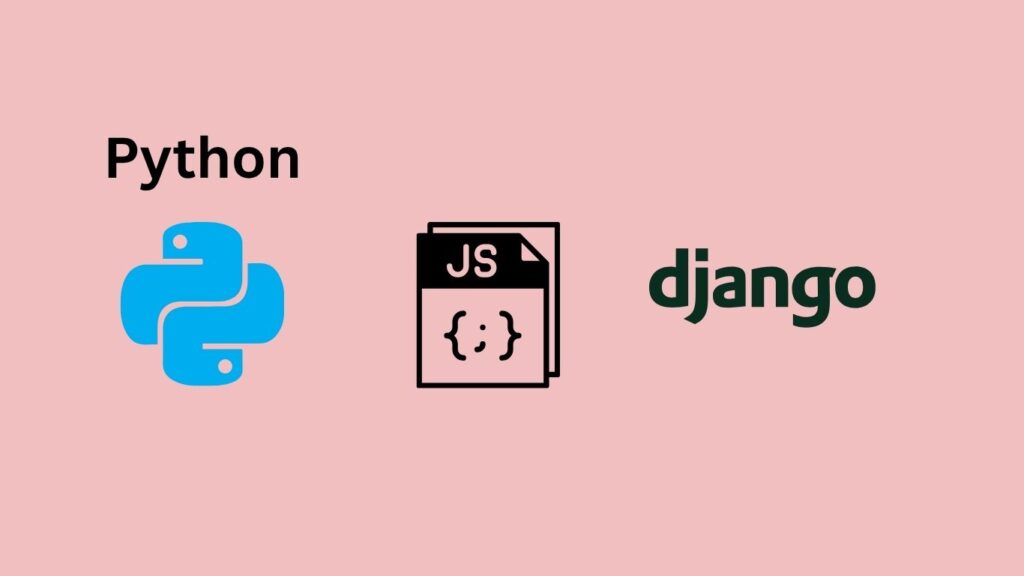
Learning Python, JSON, and Django together helps you build complete web applications and work with data efficiently. Python provides the programming foundation, JSON makes data exchange between applications easier, and Django provides the framework for developing secure, scalable web applications. Together, they give you practical skills for building websites, APIs, dashboards, and database-driven applications.
JSON (JavaScript Object Notation) is the language of modern data exchange, and Django is one of Python’s most robust web frameworks. Together, Python JSON and Django allow you to:
- Efficiently build RESTful APIs and web apps.
- Handle and store structured data across the frontend and backend.
- Scale your applications quickly with readable, maintainable code.
Many companies and developers rely on the synergy of Python JSON and Django to deliver fast, scalable, and reliable digital solutions. This makes it a must-have skillset for anyone pursuing Python training online or aiming for an Online Certification in Python.
Python JSON and Django App Development + Tool Setup

1. Setting Up Your Environment
Before diving into coding, it’s critical to set up your environment correctly. Here’s a step-by-step setup for local development:
Tools You’ll Need
- Python 3.8 or higher
- pip (Python’s package manager)
- Virtualenv (to manage dependencies)
- Django (web framework)
- Code Editor (like VS Code or PyCharm)
- Postman (for testing APIs)
Steps:
bash# Install virtualenv
pip install virtualenv
# Create and activate a virtual environment
virtualenv env
source env/bin/activate # On Windows: env\Scripts\activate
# Install Django
pip install django
Once your setup is complete, you’re ready to start building applications using Python JSON and Django.
2. Understanding JSON in Python
JSON is used extensively to send and receive data in web applications. Python provides a built-in module called json to handle JSON operations easily.
Common JSON Operations:
pythonimport json
# Convert Python dictionary to JSON
data = {'name': 'Alice', 'age': 25}
json_data = json.dumps(data)
# Convert JSON string to Python object
json_string = '{"name": "Bob", "age": 30}'
parsed_data = json.loads(json_string)
Whether you’re building data-driven applications or working with APIs, JSON handling is at the heart of effective Python JSON and Django development.
3. Getting Started with Django
Django simplifies web development with its built-in modules for routing, ORM, forms, and admin interface.
Create a New Django Project
bashCopyEditdjango-admin startproject myproject
cd myproject
python manage.py startapp myapp
This creates a basic structure where you can start integrating Python JSON and Django functionalities.
4. Integrating Python JSON with Django
Integrating JSON with Django views allows you to handle APIs and build data-driven apps.
JSON Response in Django View:
pythonfrom django.http import JsonResponse
def get_user_data(request):
data = {"name": "Charlie", "age": 28}
return JsonResponse(data)
This simple view sends JSON-formatted data directly to the client, showcasing how seamless Python JSON and Django integration can be.
5. Tool Setup for Smooth Development
A few key tools can accelerate your Python and Django development journey:
- Black – Code formatter for Python
- Django Debug Toolbar – For debugging
- pytest-django – Test automation
- REST Framework – Django’s toolkit for building APIs
- .env files with python-decouple – For managing environment variables
Example: Using Django REST Framework
bashCopyEditpip install djangorestframework
Add 'rest_framework' to your INSTALLED_APPS. Then use serializers and viewsets to simplify JSON-based API development, perfect for complex Python JSON and Django projects.
6. Building an End-to-End Django App Using JSON
Project: Simple Task Manager
Objective: Create a web app to store and retrieve task data using Django views and JSON.
Step 1: Define Your Model
pythonfrom django.db import models
class Task(models.Model):
title = models.CharField(max_length=100)
completed = models.BooleanField(default=False)
Step 2: Serialize Data
pythonfrom rest_framework import serializers
class TaskSerializer(serializers.ModelSerializer):
class Meta:
model = Task
fields = '__all__'
Step 3: Create Views Using JSON
pythonfrom rest_framework.decorators import api_view
from rest_framework.response import Response
@api_view(['GET'])
def get_tasks(request):
tasks = Task.objects.all()
serializer = TaskSerializer(tasks, many=True)
return Response(serializer.data)
This is a full example of how Python JSON and Django work together to build a functional web app with database integration and API output.
7. Common Pitfalls and Debugging Tips
- Incorrect JSON Format: Always validate JSON before parsing.
- Missing CSRF tokens: Use
@csrf_exemptor API headers correctly. - Environment errors: Use
.envfiles to separate development and production settings. - Slow performance: Profile queries using Django Debug Toolbar.
Proficiency in these debugging practices is crucial for successful Python certification course candidates and those developing real-time apps.
8. Real-World Use Cases and Applications
Here are practical scenarios where Python JSON and Django are actively used:
- eCommerce Sites: Product listings, filters, and search responses use JSON.
- Finance Applications: Real-time stock tickers and historical data APIs.
- Healthcare Portals: Secure data exchange between frontend and backend systems.
- EdTech Platforms: Course data, student progress, and analytics dashboards.
These examples demonstrate how skills learned through Python training online translate into real-world success.
9. Key Takeaways
- Python JSON and Django provide a robust framework for web app development.
- JSON is essential for handling data in APIs.
- Django’s built-in tools simplify CRUD operations and data serialization.
- Tools like Django REST Framework and Debug Toolbar enhance development efficiency.
- Real-world application is the best way to learn don’t just watch, build!
Benefits of Learning Python JSON and Django Together
- Build Complete Web Applications – Combine Python and Django to develop functional, database-driven web applications.
- Handle Data Efficiently – JSON makes it easier to exchange and manage data between applications and APIs.
- Develop APIs – Django can be used to create APIs that communicate with frontend applications and other services.
- Save Development Time – Django provides built-in features and tools that simplify common development tasks.
- Improve Development Skills – Working with Python, JSON, and Django provides practical experience with modern web development.
- Create Scalable Applications – Django’s structure helps developers build applications that can grow as requirements increase.
- Work With Popular Tools – You gain experience with tools such as Python, Django, pip, virtual environments, Git, and databases.
Conclusion
Learning Python, JSON, and Django together provides a strong foundation for modern web development. Python makes application logic easier to build, JSON simplifies data exchange, and Django offers powerful tools for creating secure and scalable web applications. With the right development environment and hands-on practice, you can confidently build real-world websites, APIs, and data-driven applications using Python Django development.
Start building real-world applications with Python JSON and Django today. Enroll in H2K Infosys’ Python courses for expert-led, hands-on learning and job-ready skills. Let your career accelerate with industry-aligned Python training online.
FAQs
1. What is Python Django development?
Python Django development involves using Python and the Django framework to build secure, scalable, and database-driven web applications.
2. How is JSON used in Python Django development?
JSON is commonly used to exchange data between Django applications, APIs, databases, and frontend applications.
3. What tools are needed for Django app development?
Common tools include Python, Django, pip, a code editor such as VS Code, Git, and a database such as SQLite or PostgreSQL.
4. Can beginners learn Python Django development?
Yes. Beginners with basic Python knowledge can start learning Django by building simple applications and gradually working with databases, URLs, templates, forms, and APIs.
5. How do I set up a Django development environment?
Install Python, create a virtual environment, install Django with pip, create a Django project, and configure the development tools and database.