Getting into Artificial Intelligence (AI) and Machine Learning (ML) through H2K Infosys isn’t exactly a “weekend project.” It takes time sometimes a few months, sometimes closer to a couple of years. It really depends on where you’re starting from. If you’ve coded before, you’ll probably move faster. If not, that’s fine too it just means a bit more groundwork.
Some people manage to grasp the basics in about 3–4 months, especially if they’re consistent (that part matters more than people think). But being actually job-ready? That’s a different story. That usually takes longer, mostly because you need real, hands-on experience and there’s no shortcut for that, unfortunately.
So… what are AI and ML, really?
At a high level, AI is about building systems that can kind of think like humans. Not perfectly not even close but enough to recognize patterns, make decisions, or understand language.
Machine Learning sits inside AI. Instead of writing every rule manually, you feed systems data and let them learn from it. Over time, they start figuring things out on their own.
Then there’s Deep Learning, which is like a more advanced version of ML. It uses neural networks (loosely inspired by the brain) to tackle complex problems things like image recognition or speech processing. Basically, the tech behind voice assistants, face unlock, all that.
How long does it take to learn AI?
There’s no clean, one-size-fits-all answer here. It depends on a few things:
- Your background (technical vs non-technical)
- How you’re learning (structured vs figuring it out yourself)
- Your goal (just understanding vs getting hired)
If you want rough timelines (and yeah, take these with a grain of salt):
Non-IT beginners
- Basics → around 6–9 months
- Job-ready → 12–18 months
IT professionals
- Basics → 3–6 months
- Job-ready → 6–12 months
Developers / data folks
- Basics → 2–4 months
- Job-ready → 4–8 months
A couple things I’ve noticed (and you’ll probably feel this too):
- Structured Courses of Artificial Intelligence saves you from a lot of confusion
- Projects are where things finally “click”
- And honestly… you never really finish learning AI. It keeps evolving
Why should working professionals even care?
AI isn’t just hype anymore. It’s quietly everywhere.
You’ll see it in:
- Financial forecasting
- Healthcare predictions
- Recommendation systems (shopping apps, streaming platforms)
- IT automation (AIOps)
- Fraud detection
What changes in practice?
- Decisions become more data-driven
- Repetitive tasks get automated
- Systems scale better without constant manual effort
Even if you’re not deeply technical, having a basic understanding of AI can give you an edge. It’s one of those skills that sneaks into a lot of roles.
What skills do you actually need?
At first, AI can feel… overwhelming. But when you break it down, it’s just a mix of a few core areas.
The essentials:
- Programming → Python (you can’t really avoid it)
- Math basics → linear algebra, probability, some calculus
- Data handling → SQL, cleaning messy data
Core ML concepts:
- Supervised vs unsupervised learning
- Model evaluation (accuracy, precision, etc.)
Tools you’ll come across:
- Python, Jupyter Notebook
- Scikit-learn, TensorFlow, PyTorch
- Pandas, NumPy
- Matplotlib, Seaborn
- Flask, FastAPI, Docker
You don’t need to learn everything at once. Most people pick things up gradually and that’s actually the better way to do it.
What does AI look like in real projects?
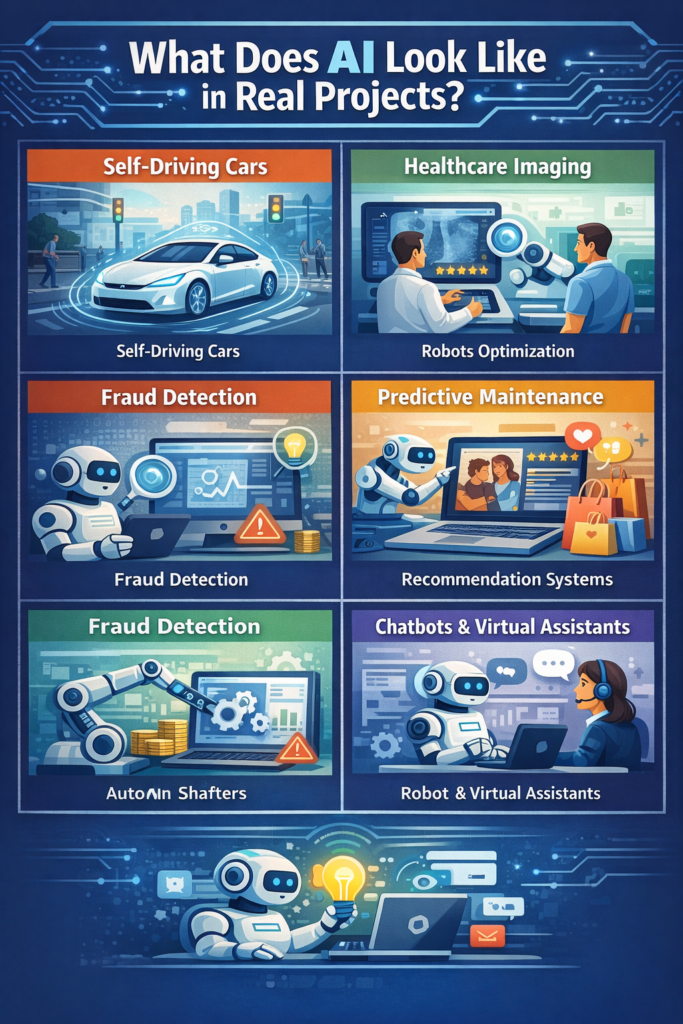
In reality, AI isn’t just “train a model and done.” There’s a whole process behind it.
It usually looks something like:
- Define the problem (e.g., predicting customer churn)
- Collect data (databases, APIs, logs)
- Clean and prepare it (this part takes longer than expected)
- Choose a model
- Train and evaluate it
- Deploy it (often via APIs)
- Monitor and update over time
Example:
In banking, AI systems continuously scan transaction data and flag suspicious activity. They’re not static they adapt as new data comes in.
How companies actually use AI
In most organizations, AI is just one layer in a bigger system.
You’ll usually see something like:
- Data layer (data lakes, warehouses)
- Processing layer (ETL pipelines, Spark)
- Model layer (ML models)
- API layer (serving predictions)
- Application layer (user-facing tools)
Common headaches:
- Messy or incomplete data
- Legacy systems that don’t integrate well
- Models that are hard to explain
- Security and compliance concerns
What helps:
- Versioning tools (like MLflow)
- MLOps pipelines (basically CI/CD for ML)
- Monitoring models for bias or performance issues
Picking the right AI course
Not every course is worth your time there’s a lot of fluff out there.
A good one should:
- Balance theory with practical work
- Include real-world projects
- Teach tools you’ll actually use
- Cover deployment (this part is often skipped, but it matters)
A typical progression looks like:
- Beginner → Python, basic stats
- Intermediate → ML algorithms, data prep
- Advanced → Deep learning, NLP
- Expert → Deployment, MLOps
Structured Best Artificial Intelligence Course Online can save you from jumping between random tutorials with no clear direction (which… happens a lot).
Jobs that use AI regularly
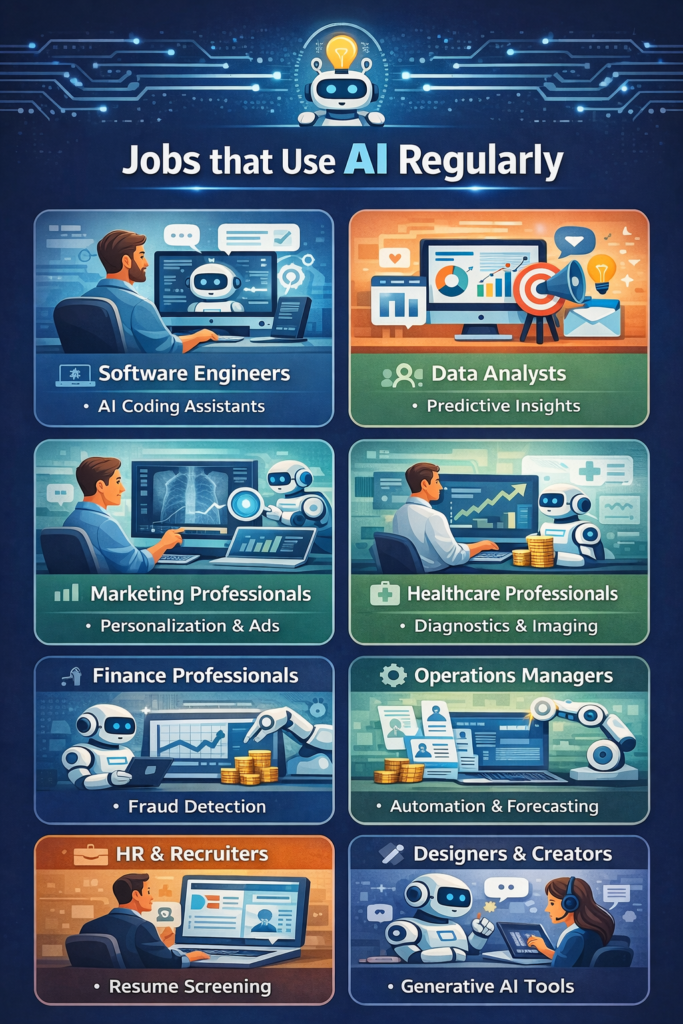
AI skills show up in quite a few roles:
- Data Scientist → builds models
- Machine Learning Engineer → deploys and optimizes them
- Data Analyst → works with insights
- AI Engineer → integrates AI into products
- Business Analyst → uses AI-driven insights
Career options after learning AI
Depending on what you focus on, you could move into:
- Machine Learning Engineer
- Data Scientist
- AI Researcher
- Business Intelligence Analyst
- NLP Engineer
- Computer Vision Engineer
These roles tend to pay well, mostly because demand is still higher than supply.
A simple roadmap that actually works
If you’re not sure where to start, this is a practical approach:
Phase 1: Foundations (1–3 months)
- Learn Python
- Basic statistics
- Work with datasets
Phase 2: Core ML (2–4 months)
- Key algorithms (regression, trees, clustering)
- Use Scikit-learn
Phase 3: Advanced topics (2–4 months)
- Neural networks
- NLP and computer vision
Phase 4: Projects (2–3 months)
- Build real systems (fraud detection, segmentation, etc.)
Phase 5: Deployment (1–2 months)
- APIs (Flask/FastAPI)
- Docker
- Model monitoring
Common struggles (yeah, they’re normal)
Technical:
- Math can feel intimidating at first
- Debugging models can get frustrating
- Large datasets are messy
Practical:
- Not enough real-world data to practice
- Hard to connect theory with real use
- Tools keep changing
What helps:
- Following a structured path
- Practicing on platforms like Kaggle
- Starting projects early (don’t wait until you feel “ready”)
FAQs
How long to learn AI from scratch?
Around 6–12 months for entry-level readiness, if you stay consistent.
Can non-IT people learn it?
Yes, but expect to spend extra time on coding and math basics.
Is coding required?
Yes—Python is essential.
Fastest way to learn?
Structured learning + projects. There’s really no shortcut.
Do you need a degree?
Not necessarily. A strong portfolio often matters more.
Key takeaways
- Learning AI can take anywhere from 3 months to 2 years
- Structured learning helps you move faster
- Projects are what make you job-ready
- AI skills are in demand across industries
- And yeah… you’ll need to keep learning as things evolve
If you stick with it, build real projects, and stay consistent, it does come together even if it feels a bit overwhelming at the beginning.