Artificial Intelligence (AI) training for beginners, including programs offered by H2K Infosys, involves learning foundational concepts such as data handling, algorithms, and model building, followed by hands-on practice using industry tools and real-world datasets. A structured roadmap typically includes programming basics, mathematics, machine learning fundamentals, and practical project experience through Artificial Intelligence Online Training.
What is AI Training for Beginners?
AI training refers to the process of learning how to design, build, and deploy systems that can perform tasks requiring human-like intelligence. These tasks include pattern recognition, decision-making, natural language processing, and predictive analytics.
For beginners, AI training usually starts with:
- Basic programming (commonly Python)
- Foundational mathematics (linear algebra, probability)
- Understanding machine learning algorithms
- Working with datasets and models
AI certified courses often provide structured learning paths, combining theory with practical exercises using real-world tools.
Why is AI Training Important for Working Professionals?
AI is increasingly integrated into enterprise systems, making it relevant across multiple IT roles. For working professionals, learning AI provides:
- Enhanced decision-making capabilities through data-driven insights
- Automation of repetitive processes such as data classification or anomaly detection
- Improved career mobility into roles like data analyst, ML engineer, or AI consultant
- Cross-functional relevance in domains like DevOps, QA, cybersecurity, and business intelligence
In enterprise environments, AI is commonly used in:
- Customer behavior prediction
- Fraud detection systems
- IT operations monitoring (AIOps)
- Recommendation engines
Professionals who understand AI workflows can contribute to system design, data pipelines, and model deployment processes.
How Does AI Work in Real-World IT Projects?
AI systems follow a structured workflow that transforms raw data into actionable predictions.
Typical AI Project Workflow
- Problem Definition
- Identify business objective (e.g., predicting customer churn)
- Data Collection
- Gather structured/unstructured data from databases, APIs, logs
- Data Preprocessing
- Cleaning, normalization, handling missing values
- Model Selection
- Choosing algorithms (e.g., regression, decision trees, neural networks)
- Model Training
- Feeding data into models to learn patterns
- Evaluation
- Measuring accuracy using metrics like precision, recall, F1-score
- Deployment
- Integrating model into production systems (APIs, dashboards)
- Monitoring
- Tracking performance and retraining models when needed
Example Use Case
In an e-commerce platform:
- Data from user clicks and purchases is collected
- A recommendation model is trained
- The system suggests products in real-time
- Performance is monitored for accuracy and user engagement
What Skills Are Required to Learn AI?
AI training requires a combination of technical and analytical skills. Beginners should focus on building foundational competencies first.
Core Skill Areas
| Skill Category | Description |
|---|---|
| Programming | Python, basic scripting, data structures |
| Mathematics | Linear algebra, probability, statistics |
| Data Handling | Data cleaning, transformation, visualization |
| Machine Learning | Supervised and unsupervised learning concepts |
| Tools & Frameworks | Libraries and platforms used in AI workflows |
Technical Skills Breakdown
Programming
- Python (primary language for AI)
- Libraries: NumPy, Pandas
Mathematics
- Vectors and matrices
- Probability distributions
- Statistical inference
Machine Learning Concepts
- Regression and classification
- Clustering
- Model evaluation
Data Skills
- SQL basics
- Data visualization (Matplotlib, Seaborn)
What Tools Are Commonly Used in AI Training?
AI professionals rely on a set of widely adopted tools and frameworks.
Tool Comparison Table
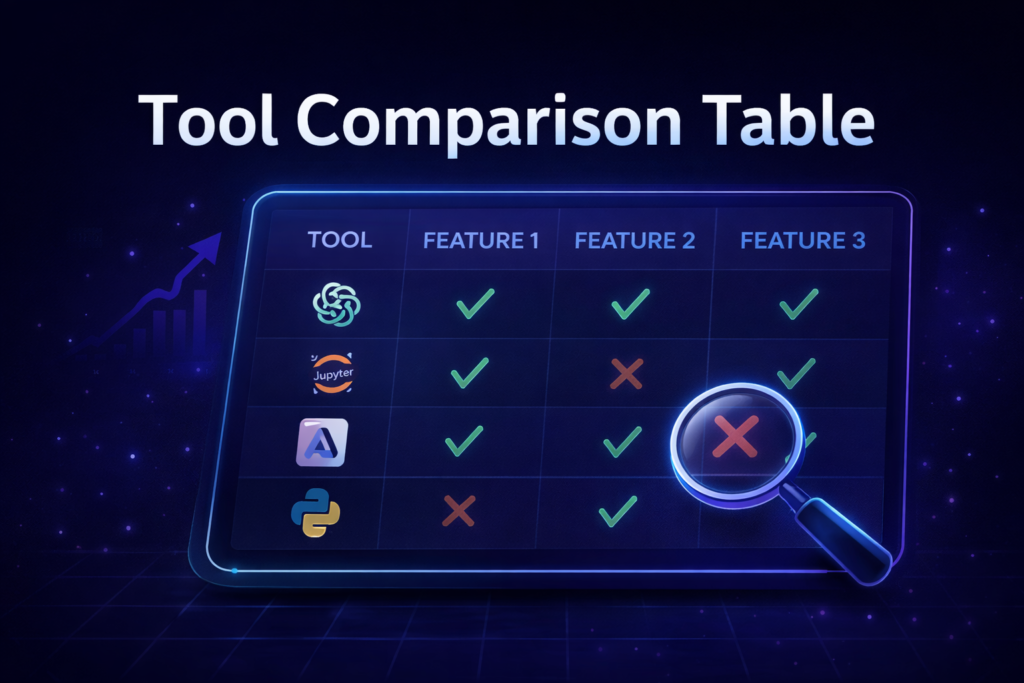
| Category | Tools / Platforms | Purpose |
|---|---|---|
| Programming | Python | Core language |
| Data Processing | Pandas, NumPy | Data manipulation |
| Visualization | Matplotlib, Seaborn | Data analysis |
| ML Frameworks | Scikit-learn, TensorFlow, PyTorch | Model building |
| Development Env | Jupyter Notebook, VS Code | Experimentation |
| Deployment | Docker, Flask, FastAPI | Production integration |
Enterprise Considerations
- Scalability: Models must handle large datasets
- Security: Data privacy and compliance (e.g., GDPR)
- Performance: Real-time inference requirements
- Integration: APIs and microservices architecture
How is AI Used in Enterprise Environments?
AI is implemented across various enterprise systems to improve efficiency and decision-making.
Common Enterprise Use Cases
1. Predictive Analytics
- Forecasting sales, demand, or system failures
2. Natural Language Processing (NLP)
- Chatbots, sentiment analysis, document processing
3. Computer Vision
- Image recognition in healthcare or manufacturing
4. AIOps (AI for IT Operations)
- Monitoring system logs and detecting anomalies
Example Workflow in Enterprise AI
- Data pipelines ingest logs and metrics
- AI models analyze patterns
- Alerts are generated automatically
- Engineers take action based on insights
What Job Roles Use AI Daily?
AI skills are relevant across multiple roles in IT and data-driven industries.
Role vs Skill Mapping
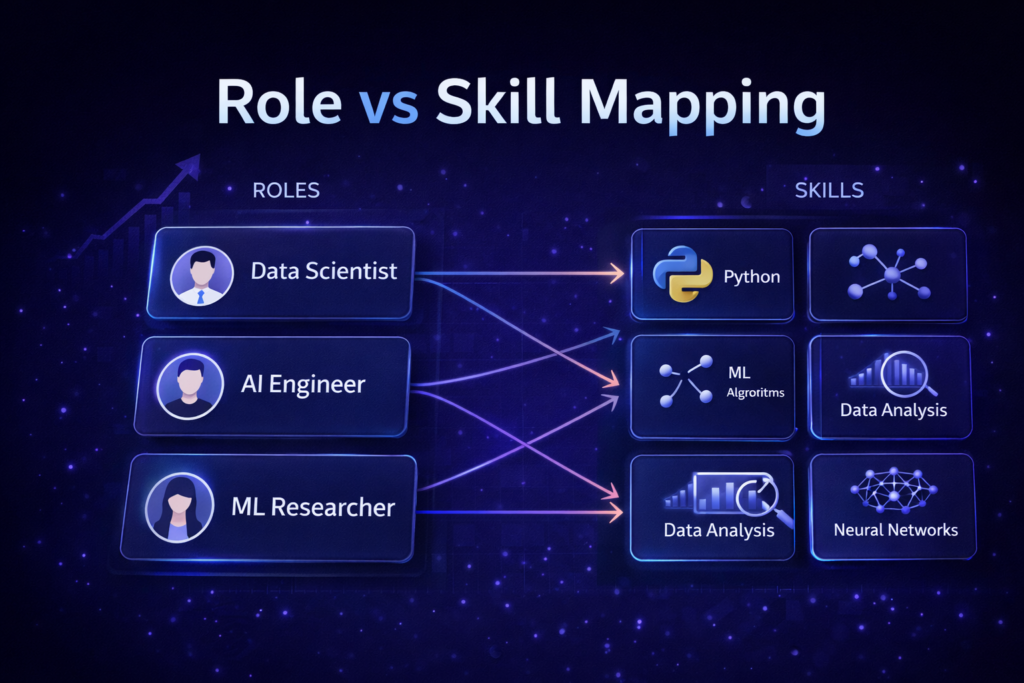
| Role | Key AI Skills |
|---|---|
| Data Analyst | Data visualization, basic ML |
| Machine Learning Engineer | Model building, deployment |
| Data Scientist | Advanced analytics, statistics |
| AI Engineer | Deep learning, system integration |
| Business Analyst | Data interpretation, reporting |
Responsibilities in Practice
- Data Scientists build and evaluate models
- ML Engineers deploy and scale models
- Analysts interpret results and generate insights
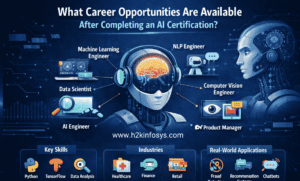
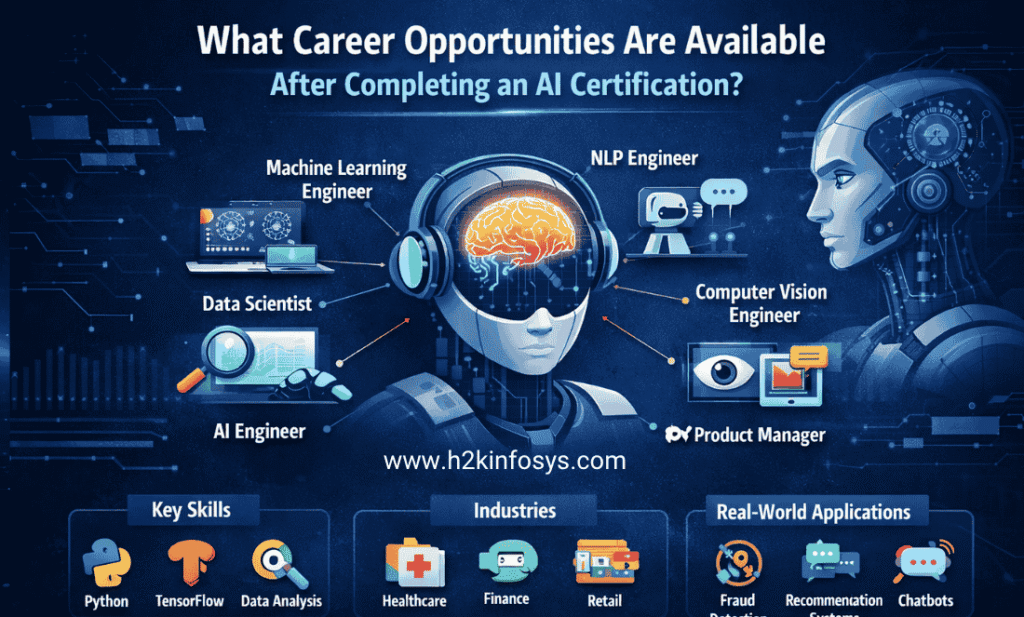
What Careers Are Possible After Learning AI?
Completing Artificial Intelligence Online Training can open pathways to several roles.
Career Paths
- Entry-Level:
- Junior Data Analyst
- AI Support Engineer
- Mid-Level:
- Data Scientist
- Machine Learning Engineer
- Advanced:
- AI Architect
- Research Scientist
Industry Domains
AI is applied across:
- Finance (fraud detection)
- Healthcare (diagnostics)
- Retail (recommendation systems)
- Cybersecurity (threat detection)
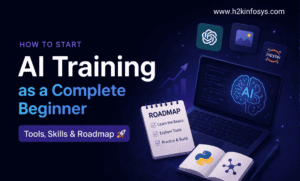
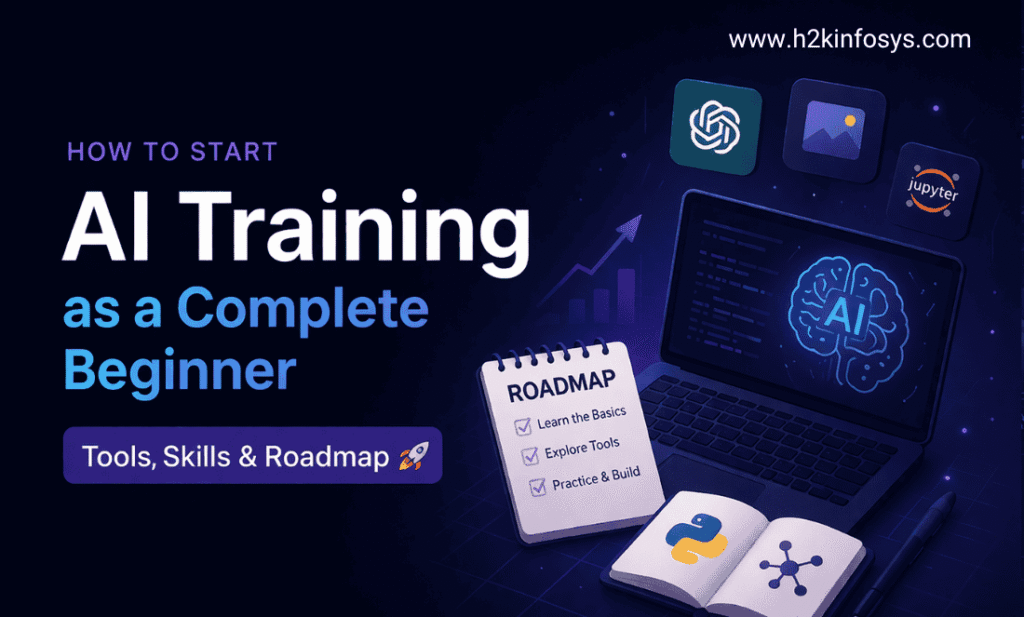
Step-by-Step Roadmap to Start AI Training
A structured roadmap helps beginners progress efficiently.
Phase 1: Foundations (0–2 Months)
- Learn Python basics
- Understand data structures
- Practice simple coding exercises
Phase 2: Mathematics & Data (2–4 Months)
- Learn statistics and probability
- Work with datasets using Pandas
- Perform data visualization
Phase 3: Machine Learning (4–6 Months)
- Study algorithms (linear regression, decision trees)
- Use Scikit-learn for model building
- Evaluate model performance
Phase 4: Advanced Topics (6–9 Months)
- Neural networks and deep learning
- NLP and computer vision basics
- Work with TensorFlow or PyTorch
Phase 5: Real Projects (Ongoing)
- Build portfolio projects
- Solve real-world problems
- Use GitHub for version control
How Do Beginners Practice AI Skills?
Practical application is essential for learning AI effectively.
Hands-On Learning Approaches
- Work on open datasets (e.g., Kaggle)
- Build small projects:
- Spam detection system
- Customer churn prediction
- Participate in coding challenges
- Collaborate on Git-based projects
Sample Project Workflow
- Define problem
- Collect dataset
- Clean and preprocess data
- Train model
- Evaluate results
- Deploy simple API
Common Challenges Beginners Face
1. Lack of Mathematical Background
- Solution: Focus on applied understanding rather than theory-heavy approaches
2. Tool Overload
- Solution: Start with core tools (Python, Pandas, Scikit-learn)
3. Understanding Model Behavior
- Solution: Use visualization and debugging techniques
4. Transitioning to Real Projects
- Solution: Follow guided projects in AI certified courses
Best Practices for Learning AI
- Focus on concept clarity before tools
- Practice regularly with real datasets
- Document your work and build a portfolio
- Understand end-to-end workflows, not just algorithms
- Stay updated with evolving tools and frameworks
FAQ: AI Training for Beginners
1. Do I need a programming background to start AI?
Basic programming knowledge is helpful, but beginners can start with Python fundamentals as part of their learning path.
2. How long does it take to learn AI?
Typically, 6–9 months of consistent learning is required to build foundational AI skills.
3. Are AI certified courses necessary?
They are not mandatory but provide structured guidance, practical exposure, and curated learning paths.
4. What is the best language for AI?
Python is the most widely used due to its extensive libraries and community support.
5. Can non-IT professionals learn AI?
Yes, with foundational training in programming and data concepts, non-IT professionals can transition into AI roles.
6. What tools should beginners start with?
Start with Python, Pandas, NumPy, and Scikit-learn before moving to advanced frameworks.
7. Is mathematics mandatory for AI?
Yes, but only foundational concepts like probability and linear algebra are required initially.
Conclusion
Key Takeaways
- AI training begins with programming, mathematics, and data fundamentals
- Real-world AI projects follow structured workflows from data to deployment
- Industry tools like Python, TensorFlow, and Scikit-learn are widely used
- AI skills are applicable across multiple IT roles and domains
- Hands-on practice and project experience are critical for learning
Explore structured Artificial Intelligence Online Training programs at H2K Infosys to build practical skills aligned with real-world IT projects.
Enroll in AI certified courses to gain hands-on experience and strengthen your career path in AI.