Most modern Business Analyst training programs, like the ones at H2kinfosys, start with Power BI or Tableau since being able to visualize and report on data is an important skill in enterprise analytics. These solutions turn raw company data into useful dashboards, reports, and insights that aid in making strategic decisions. Analytics and reporting modules in organized BA courses frequently help students master the basics to intermediate abilities in Power BI or Tableau.
Power BI and Tableau are two of the most important business intelligence tools, hence they are used a lot in Business Analyst training. Real-world project scenarios are commonly used in comprehensive BA programs to teach dashboard construction, data modeling, and visualization skills. Power BI is popular because it works well with other Microsoft products, and Tableau is noted for its advanced data visualization and storytelling. Many schools also teach both SQL and Advanced Excel, which helps students get ready for jobs as Business Analysts that use data.
What are Tableau and Power BI?
Power BI or Tableau are business intelligence (BI) and data visualization platforms used to transform data into interactive dashboards and reports. They allow business teams to monitor KPIs, track performance trends, and make data-driven decisions.
Key Capabilities
| Feature | Power BI | Tableau |
|---|---|---|
| Data Integration | Strong Microsoft ecosystem integration | Wide multi-source compatibility |
| Visualization | Easy drag-and-drop dashboards | Advanced visual storytelling |
| Enterprise Adoption | Common in Microsoft environments | Common in analytics-heavy organizations |
| Learning Curve | Beginner-friendly | Slightly steeper but powerful |
In many ba training programs, learning Power BI or Tableau is positioned after core analytics concepts such as data modeling, SQL basics, and requirement analysis.
How Does Business Analyst Training Work in Real-World IT Projects?
In real enterprise workflows, analysts do not just gather requirements. They also:
- Analyze operational and transactional data
- Create executive dashboards
- Build performance reports
- Support decision-making meetings
In real project environments, Power BI or Tableau are used to:
- Build daily sales dashboards
- Monitor customer churn metrics
- Track application performance metrics
- Support financial forecasting models
Structured Business Analyst training typically simulates these workflows using sample datasets and reporting scenarios.
Why is it important for professionals to use Power BI or Tableau?
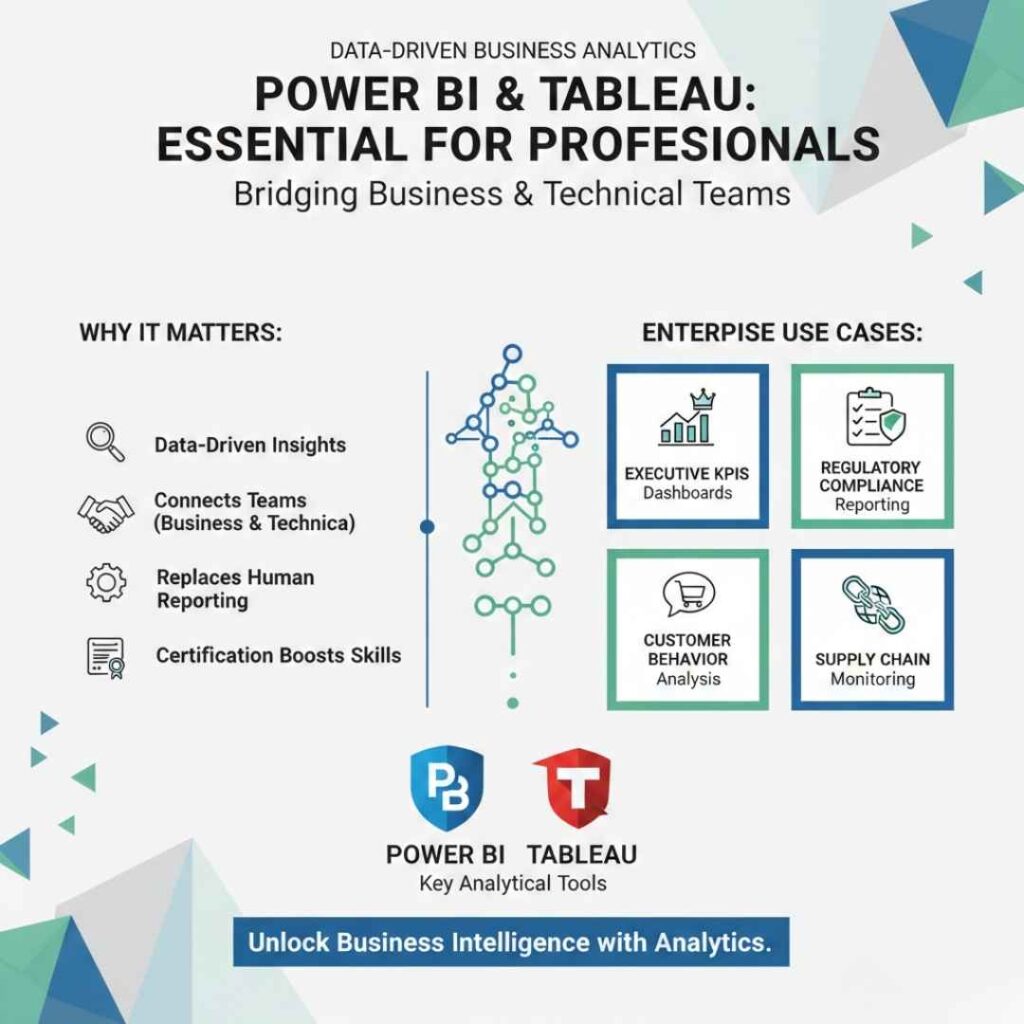
More and more, businesses are using data-driven insights instead of human reporting. Analysts can connect business and technical teams by learning Power BI or Tableau.
- Use Cases at the Enterprise Level
- Dashboards for executive KPIs
- Reporting on conformity with rules
- Analyzing how customers act
- Monitoring the supply chain
Professionals who complete online business analyst certification programs generally learn how to use reporting tools to help businesses that rely on analytics.
What Skills Do You Need to Take Business Analyst Courses?
To do well in business analyst classes, students usually master a blend of technical and functional abilities.
Basic Technical Skills
- Basics of SQL
- Excel advanced data analysis
- Using Power BI or Tableau to make data visualizations
- Documentation of requirements
Basic Functional Skills
- Communication with stakeholders
- Modeling business processes
- Agile / Scrum collaboration
- Documentation standards (BRD, FRD, User Stories)
Most structured Business Analyst training programs integrate visualization tools after foundational data analysis modules.
How can businesses use Power BI or Tableau?
Analysts don’t often work with data that is separate from other data in production settings. Instead, they work with complicated data pipelines.
Typical Workflow for Businesses
- Getting data out of ERP or CRM systems
- Using ETL technologies to tidy up data
- Modeling data in BI platforms
- Publishing and sharing dashboards
You can use Power BI or Tableau here to:
- Connect to databases including SQL Server, Snowflake, and Oracle.
- Make dashboards that may be used again
- Set up automatic data refreshes
- Send reports to the leadership teams
Many online courses for business analysis teach how to manage the lifecycle of a dashboard.
What Job Roles Use Power BI or Tableau Daily?
Common Roles
| Role | Tool Usage |
|---|---|
| Business Analyst | Dashboard creation, KPI tracking |
| Data Analyst | Advanced data modeling |
| Product Analyst | User behavior dashboards |
| Reporting Analyst | Automated reporting pipelines |
Professionals completing BA training and placement programs are often expected to understand at least one BI tool such as Power BI or Tableau.
How Power BI or Tableau Fit Inside Business Analyst Certification Online Learning Paths
Typical Learning Path
| Stage | Skills Covered |
|---|---|
| Foundation | Requirements, SDLC, Documentation |
| Data Basics | SQL, Excel, Data Cleaning |
| Visualization | Power BI or Tableau dashboard creation |
| Advanced | Stakeholder storytelling, metrics design |
Most business analyst certification online learning paths include BI exposure rather than deep data science.
Example of a Real-World Project Scenario: Sales Performance Dashboard
Business Analyst Tasks:
- Gather reporting requirements from Sales Head
- Define KPIs (Revenue, Conversion Rate, Pipeline Value)
- Work with data engineers for dataset access
- Build dashboard using Power BI or Tableau
- Validate numbers with finance teams
This workflow is commonly practiced in Business Analyst training labs.
Common Challenges Teams Face
Data Challenges
- Inconsistent source data
- Missing historical records
- Data refresh delays
Reporting Challenges
- Stakeholders requesting frequent report changes
- Dashboard performance issues
- Access control and data security
Learning Power BI or Tableau helps analysts handle these challenges efficiently.
Best Practices for Enterprise IT
- Keep track of different versions of the dashboard
- Use standard definitions for KPIs
- Use role-based access security
- Clearly explain the reasons behind the report.
Structured Business Analyst training environments generally stress these techniques.
What kinds of jobs can you get after doing business analyst courses?
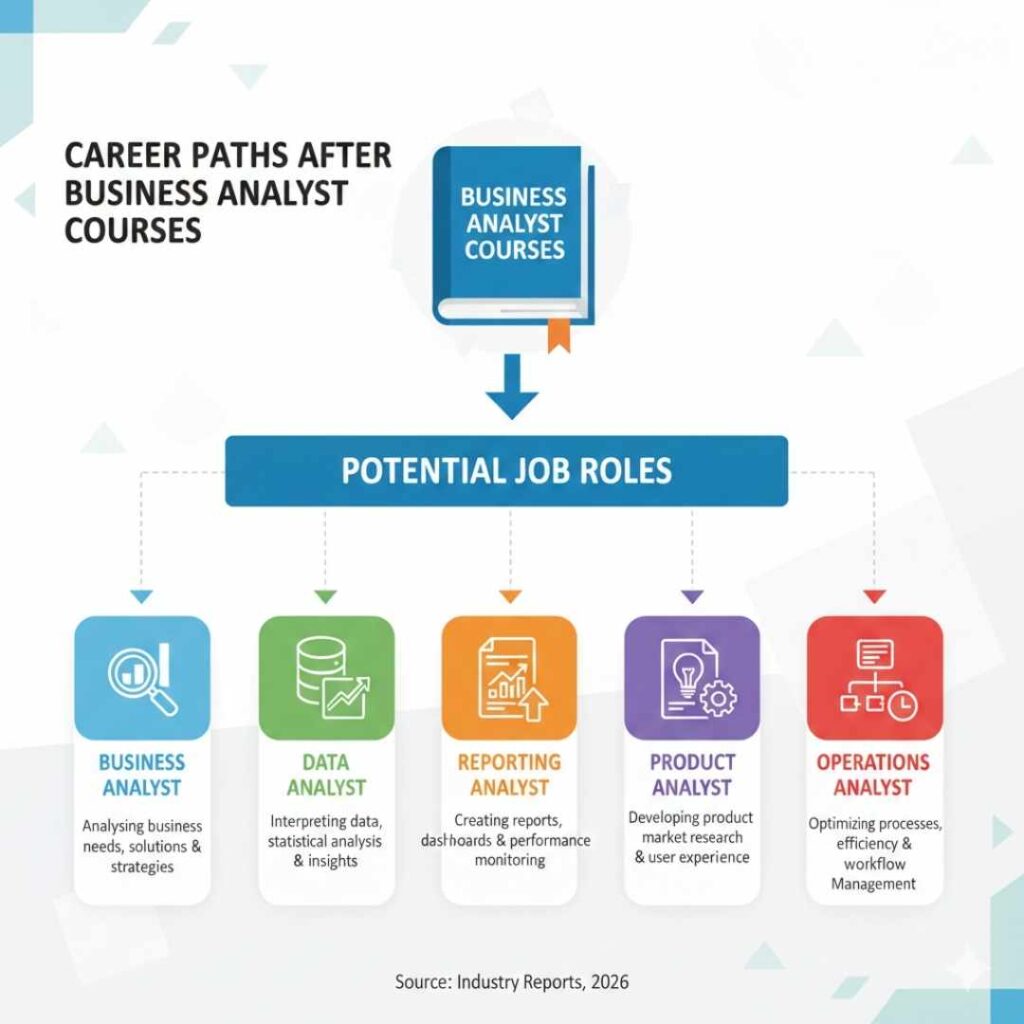
After finishing formal business analyst training, professionals may be able to advance into:
- Analyst for Business
- Analyst of Data
- Analyst for Reporting
- Analyst of Products
- Analyst of Operations
Having experience with Power BI or Tableau makes you more likely to get a job in a data-driven company.
Questions and Answers
Is Power BI or Tableau included in all business analyst courses?
Most modern applications at least touch on Power BI or Tableau because visualization is an important part of reporting operations.
Do Business Analysts have to use Power BI or Tableau?
Not usually required, but strongly suggested in enterprise analytics settings.
Which one is easier to learn?
Many people think that Power BI is easier for beginners, yet Tableau lets you customize your visualizations more deeply.
Do I need to know how to code?
You don’t have to do a lot of coding. Usually, just knowing the basics of SQL and data is enough.
How long does it take to learn Tableau or Power BI?
You can usually learn the basics of constructing dashboards in a few weeks of guided learning.
Key Facts
- BI visualization technologies are included in most recent Business Analyst curricula.
- Power BI and Tableau are two tools that are commonly utilized in enterprise reporting workflows.
- Visualization abilities help stakeholders talk to each other and report more accurately.
- Structured training for Business Analysts often includes BI technologies.
- Learning how to use visualization tools makes you more ready for work in analytics-driven companies.
Check out H2K Infosys’s organized learning paths to get hands-on exposure with real business datasets and reporting operations.
Look over the course modules to see how real-world projects might help you improve your career in business analysis.