Artificial intelligence courses, including those offered through structured AI Course at H2K Infosys, have evolved significantly. Earlier, many programs focused heavily on definitions, theory, and, at times, unrealistic expectations. Today, more effective courses emphasize practical application working with real datasets, building systems, testing models, and understanding how AI behaves in real-world production environments beyond the classroom.
A good AI course today is less about memorizing terms and more about doing the work. You spend time exploring datasets, training models, adjusting things when results look off, and trying to understand why a system behaves the way it does. That hands-on part is usually where everything starts to click. Reading about machine learning is useful, sure. Getting a model to work on messy, imperfect data is a completely different experience.
A strong AI certification usually tries to balance the basics with actual implementation. You don’t just learn what an algorithm is supposed to do. You run it, change a few things, get unexpected results, break something, fix it, and gradually start to understand what’s happening underneath. That trial-and-error process is a huge part of learning probably the biggest part. Theory still matters, obviously. But being able to apply it in a business context or an IT setup is what usually makes the real difference.
What is an AI course and certification?
At the simplest level, an Artificial intelligence certified course is a structured way to learn how artificial intelligence works and how people use it in practical settings. Most courses start with the basics, then move into more applied areas like machine learning, deep learning, and data-driven decision-making.
An AI certification is slightly different. It’s not only about what you’ve studied. It usually reflects whether you can put those ideas into practice. In most cases, that means being able to:
- Understand core AI concepts and common algorithms
- Work with messy, real-world data instead of neat sample datasets
- Build and evaluate machine learning models
- Apply AI techniques inside practical systems, whether that’s in business tools or IT workflows
What you’ll usually learn
Most AI courses follow a similar pattern, even though some go deeper than others.
You’ll usually begin with the foundations. That means math linear algebra, probability, statistics. Not the most exciting part for everyone, maybe, but it matters. After that comes programming, usually Python, along with libraries like NumPy and Pandas.
From there, the course typically moves into machine learning, both supervised and unsupervised. Then comes deep learning neural networks, CNNs, RNNs, the more advanced side of things. After that, you usually get introduced to tools like TensorFlow, PyTorch, and Scikit-learn, followed by deployment topics such as APIs, cloud platforms, and moving models into working systems.
So really, it’s not just “learn an algorithm and move on.” It’s more about learning the full process.
How AI really works in projects
Real AI projects are rarely neat. They’re more iterative than people expect and, to be honest, usually a bit messy.
A common workflow looks something like this.
First, you define the problem. Say a telecom company wants to predict customer churn.
Then you collect the data. That might come from databases, APIs, CRM systems, application logs—basically wherever the useful information happens to live.
Next comes data preparation, and this is where a lot of time goes. Cleaning records, handling missing values, transforming fields, creating features. People tend to underestimate this stage until they actually have to do it themselves.
Then you choose a model. Maybe logistic regression is enough. Maybe random forest performs better. Maybe gradient boosting turns out to be the better fit. It depends on the problem, the data, and what kind of trade-offs you’re dealing with.
Once the model is selected, you train it. Then you retrain it. Tune parameters. Retry. Compare outcomes. Repeat. Usually more than once.
After that, you evaluate performance using metrics like accuracy, precision, recall, or ROC-AUC, depending on the problem you’re solving.
Then comes deployment. The model may be exposed through an API or integrated into an existing application.
And even after deployment, the work is not really finished. You still have to monitor performance because models drift, data changes, and user behavior doesn’t stay still forever.
A quick real-world example
Banking is a useful example here. AI Course is often used for fraud detection, credit risk analysis, and customer support chatbots.
From the outside, those use cases can seem straightforward enough. But underneath, there’s usually a whole system running data pipelines, model updates, monitoring, exception handling, compliance checks. It’s not just one model sitting quietly in the corner making decisions. It’s part of a larger system that keeps moving.
Why AI matters for professionals
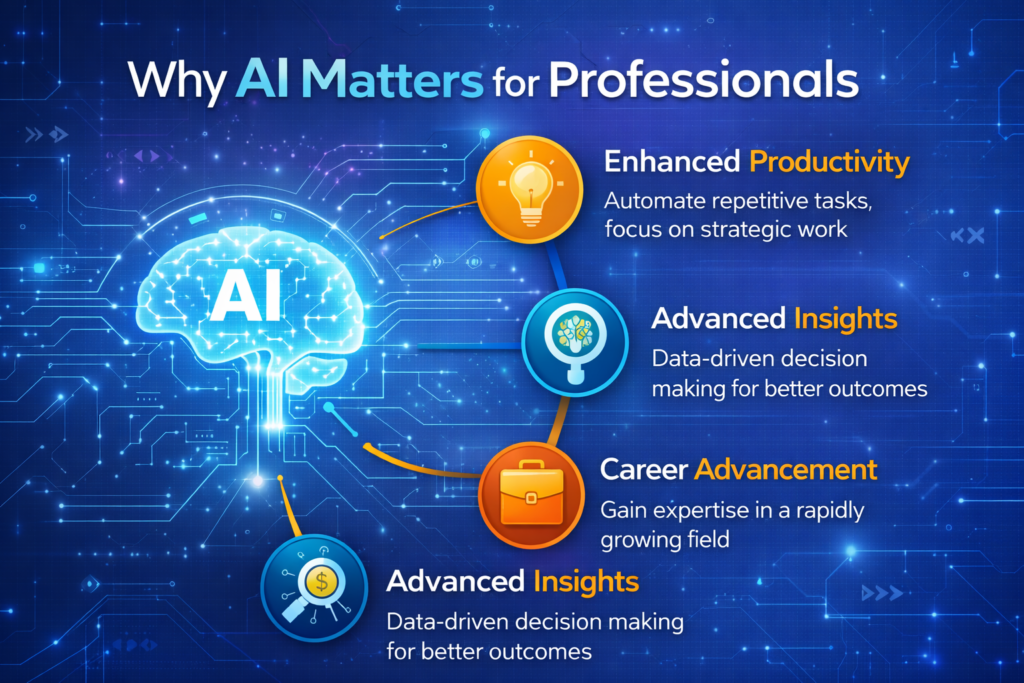
AI has made its way into almost every industry at this point. Finance, healthcare, retail, logistics, manufacturing, IT operations it’s showing up everywhere, even in places that didn’t initially seem all that “AI-heavy.”
From a practical perspective, AI helps professionals:
- Automate repetitive tasks
- Make better decisions using data
- Build smarter, more responsive systems
- Stay relevant in technical roles that are changing quickly
You can see that in common use cases too:
- Finance: fraud detection and risk modeling
- Healthcare: medical image analysis
- Retail: recommendation systems
- Manufacturing: predictive maintenance
- IT: anomaly detection and monitoring
So learning AI is not only for people aiming to become researchers or full-time data scientists. In many cases, it’s becoming useful across a much broader set of roles.
What you need before learning AI Course
You do not need to know everything before you begin, but a few basics make the process much smoother.
Programming is the first one. Python is the standard in most AI courses, so it helps to be comfortable with loops, functions, and common data structures.
Math matters too. Not necessarily advanced academic math, but enough to understand what models are doing. Linear algebra, probability, statistics, and a bit of calculus usually come up.
Basic data handling helps as well. If you know how to work with tables, clean data, and write simple SQL queries, you already have a decent start.
And then there’s mindset, which people sometimes ignore. Being curious, patient, and willing to troubleshoot matters a lot. AI rarely works perfectly on the first attempt, so persistence helps more than most people expect.
AI in enterprise systems
Inside real companies, AI is not just about building a model that works once. It’s about making that model stable, scalable, explainable, and useful.
A typical enterprise setup often includes:
- A data layer with warehouses or lakes
- A processing layer for ETL pipelines
- A model layer for machine learning or deep learning systems
- A deployment layer with APIs or microservices
- A monitoring layer for logs, alerts, and performance tracking
You’ll also see different tools depending on the environment:
- Data: Apache Spark, Hadoop
- ML: Scikit-learn, TensorFlow, PyTorch
- Visualization: Tableau, Power BI
- Deployment: Docker, Kubernetes, AWS SageMaker
Then there are the constraints, the real ones:
- Data privacy requirements like GDPR or HIPAA
- Model explainability expectations
- Scalability and latency concerns
- Security issues
That’s a big part of what separates classroom exercises from production AI.
Jobs that use AI regularly
AI shows up in more roles than people often assume.
A Data Scientist might spend a lot of time building models and analyzing patterns. An ML Engineer usually focuses more on deployment, performance, and reliability. A Data Analyst may use machine learning and visualization to support decisions. An AI Engineer could be working with deep learning, NLP, or production systems. Business Analysts also interact with AI outputs, especially when they need to turn technical insights into business action.
Day to day, that can include:
- Cleaning and preparing data
- Building and testing models
- Interpreting outputs
- Explaining results to non-technical stakeholders
- Maintaining systems after deployment
So the work is usually broader than just “coding models.”
Career paths after an AI course
Once you have the basics, there are several directions you can move in.
Some common paths include:
- Machine Learning Engineer
- Data Scientist
- AI Research Analyst
- Business Intelligence Developer
- AI Solutions Architect
A simple progression might look something like this:
- Entry level: Data Analyst
- Mid-level: ML Engineer
- Senior level: AI Architect
Of course, that path is not fixed. People move differently depending on their background, projects, and the type of work they actually enjoy doing.
What makes an AI course worth your time
Not every AI course is worth it. Some are too theoretical. Some move too fast. Some look impressive until you realize there’s barely any real practice involved.
The better ones usually share a few traits:
- Hands-on projects using real datasets
- Exposure to tools that companies actually use
- A clear learning path instead of scattered topics
- Real-world scenarios, not just toy examples
- Useful feedback through reviews, assignments, or mentorship
That last part matters more than people think. Feedback helps you spot what you’re missing before it turns into a bigger gap later on.
A practical way to learn AI
If you’re just getting started, it helps to keep the path simple.
A solid approach would be:
- Learn Python
- Get comfortable with data analysis
- Study machine learning fundamentals
- Build small projects
- Move into deep learning
- Learn the basics of deployment
And really, you’ll keep repeating the same broad cycle:
Dataset, preprocessing, training, evaluation, deployment, monitoring.
That loop shows up again and again.
Tools you’ll probably use
In most Ai course certification, you’ll come across tools like:
- Python
- NumPy and Pandas
- Scikit-learn
- TensorFlow and PyTorch
- Matplotlib and Seaborn
- Flask and Docker
Some AI Course go further into cloud platforms, but these are the usual starting points.
Common challenges
A few struggles are completely normal when learning AI.
On the technical side:
- Understanding the math
- Debugging models
- Handling large or inconsistent datasets
On the practical side:
- Turning theory into usable solutions
- Choosing the right algorithm
- Working with incomplete or messy data
A few things tend to help:
- Start small
- Focus on understanding before speed
- Practice regularly
- Use Git, even early on
That last one sounds minor, but it saves a surprising amount of time and confusion later.
FAQs
How long does an AI course take?
Usually somewhere between 8 and 24 weeks, depending on the pace and depth.
Do I need programming experience?
Basic Python helps a lot, but many people learn it alongside the course.
What tools will I learn?
Usually Python, Scikit-learn, TensorFlow, and visualization tools.
Is AI only for developers?
Not really. Analysts, consultants, and some business-focused roles use AI too.
What’s the difference between AI and machine learning?
AI is the broader field. Machine learning is one part of it.
Will I get real projects?
Most good courses include them. If a course doesn’t, that’s usually a warning sign.
Which industries use AI the most?
Finance, healthcare, retail, manufacturing, and IT are big ones—but honestly, adoption is spreading almost everywhere.
Key takeaways
- AI Course are moving toward practical ability, not just theory
- Real AI work follows a structured workflow, but it’s often messy in practice
- Enterprise AI involves deployment, scaling, monitoring, and compliance
- AI skills are useful across many job roles
- Hands-on experience matters much more than simply knowing the concepts